
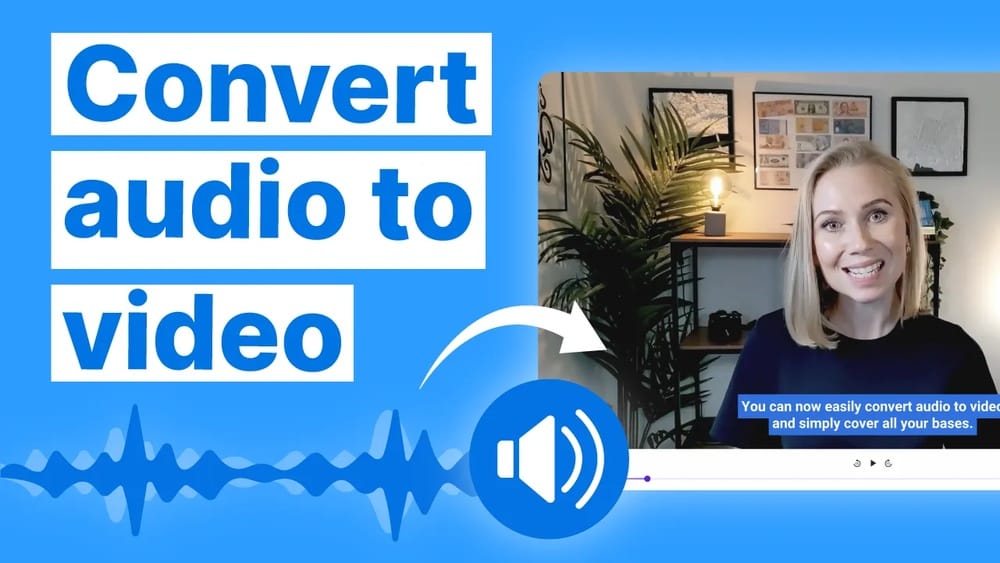
Discover AI audio to video tools to turn your voice or podcast into eye-catching videos in minutes without any hassle.
Whether you want to boost your social media presence, make your content more shareable, or simply catch your audience’s eye, this technology puts the power right at your fingertips. Ready to discover how easy it is to transform your audio into stunning videos that grab attention?
Keep reading, and you’ll learn the best tools and tips to make your content stand out effortlessly.
Credit: www.vmaker.com
Ai Audio To Video Tools
AI audio to video tools help turn sound files into engaging videos quickly. These tools use artificial intelligence to add visuals, animations, and captions to your audio. They make content creation easier for podcasters, marketers, and creators.
Many AI audio to video tools are user-friendly. No advanced skills needed. Upload your audio, and the tool creates a video automatically. Choose styles and formats that suit your needs.
Top Ai Generators
Some AI generators stand out for quality and features. Tools like HeyGen and Revid AI create videos with realistic avatars and synchronized lips. They support podcasts, voiceovers, and speeches. These platforms offer fast rendering and easy customization.
Vmaker also ranks high. It converts voiceovers into AI human avatar videos instantly. Many top generators include caption options and background animation. They help you make professional videos with minimal effort.
Free And Offline Options
Free tools let you test AI audio to video without cost. Vmaker offers a free plan with basic features. You can convert audio into video without watermarks. Some open-source projects allow offline use. These options provide privacy and control over files.
Offline tools like Hunyuan Video Avatar require installation but work without internet. They suit creators who want full data security. These tools often need more setup but reward users with flexible features.
Popular Platforms
Popular platforms combine AI with easy interfaces. Filmora offers seamless audio to video conversion with customizable templates. Saif’s AI Sound Effect Generator adds sound effects to videos in clicks. These platforms support various audio formats and export options.
Platforms like HeyGen and Revid AI host cloud services. They process videos online and store projects safely. Many support social media sharing directly from the platform. This saves time and expands your audience reach.
How Ai Converts Audio To Video
AI converts audio to video by analyzing sound and creating matching visuals. It breaks down audio into key elements and uses this data to generate video content. This process enables quick and automatic video creation from any audio file.
Audio Analysis Techniques
AI first examines the audio to understand its components. It detects speech, music, and background sounds. The AI also identifies tone, pitch, and rhythm. This helps in recognizing important parts and emotions. The analysis guides the video creation process.
Visual Synchronization
After analysis, AI matches video frames with the audio timeline. It syncs lip movements if there is speech. The visuals change according to beats and pauses in music. This keeps the video smooth and natural. Proper synchronization improves viewer engagement.
Caption And Animation Integration
AI generates captions by transcribing spoken words. It places captions on screen in real time. Animations are added to support the audio message. These may include moving text, icons, or images. Captions and animations make videos clearer and more attractive.
Creating Videos From Podcasts And Voiceovers
Creating videos from podcasts and voiceovers opens new ways to share audio content. It helps reach a wider audience by combining sound with visuals. This method turns simple audio into engaging video content. It makes the message clearer and more attractive. Using AI tools, this process becomes fast and easy for everyone.
Enhancing Engagement
Videos catch attention better than audio alone. Adding images or animations keeps viewers interested. AI can match visuals to the audio theme automatically. This creates a rich experience that holds audience focus longer. It also encourages more shares on social media platforms.
Adding Dynamic Visuals
Dynamic visuals bring podcasts and voiceovers to life. AI generates animations, slides, or avatars based on the sound. These visuals explain or highlight key points clearly. Changing scenes or effects keep the video fresh and lively. This helps make complex ideas easier to understand.
Subtitles And Accessibility
Subtitles improve video accessibility for all viewers. AI can create accurate captions in multiple languages quickly. This supports people who are deaf or hard of hearing. Subtitles also help viewers follow content in noisy places. They boost SEO by making videos easier to find and index.

Credit: virbo.wondershare.com
Using Ai Avatars And Narrators
Using AI avatars and narrators changes how videos get made. These tools bring life to audio content. They help create engaging videos quickly without cameras or actors. AI avatars look like real people or cartoons. Narrators speak clearly with natural voices. This section explains how to use these features for better videos.
Selecting Ai Avatars
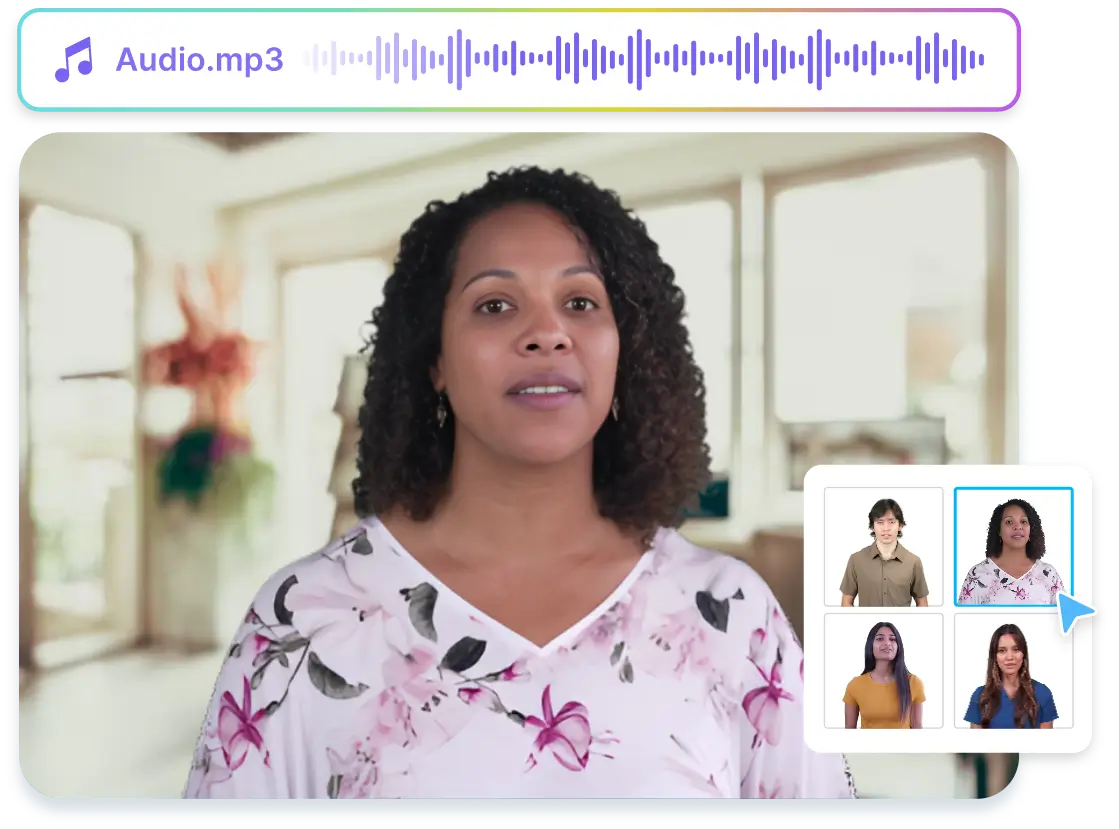
Choose avatars that fit your video’s style. Options include different ages, genders, and ethnicities. Pick one that matches your message and audience. Some platforms offer animated or realistic avatars. This choice impacts how viewers connect with your content. Simple avatars suit casual topics. Professional ones work well for business videos.
Customizing Voices
AI voices can sound male or female, young or old. Adjust pitch, speed, and tone for clear speech. Find a voice that matches your video’s mood. Friendly voices suit light topics. Serious tones work for education or news. Custom voices make your video unique and easier to follow.
Personalized Video Creation
Combine avatars and voices to create custom videos fast. Upload your script or audio file to start. The AI syncs the avatar’s lips and expressions with speech. Add backgrounds, text, and music to enhance visuals. This process saves time and cuts production costs. Personalized videos attract more viewers and keep attention longer.
Installation And Setup
Setting up AI audio to video software is a vital first step. Proper installation ensures smooth operation and better results. This section explains the differences between local and online use. It also covers software needs and offers a clear installation guide.
Local Vs Online Use
Local use means installing software on your computer. It works without internet after installation. Local software gives more control and privacy.
Online use happens through a web browser. No installation is needed. It is easy to access but depends on a stable internet connection.
Choose local for heavy tasks or privacy. Pick online for quick and simple projects.
Software Requirements
Check your computer’s OS before installation. Most AI audio to video tools work on Windows, macOS, or Linux.
Ensure enough RAM and storage space. A good graphics card helps with processing speed.
Install required libraries or frameworks like Python or Conda if needed. These support AI functions.
Update your system drivers for best performance.
Step-by-step Installation
Download the software from the official website or trusted source.
Run the installer and follow the on-screen instructions carefully.
Accept the license terms and choose the installation folder.
Install any additional dependencies the software prompts for.
Restart your computer if the installer asks for it.
Open the software and complete the initial setup, like logging in or configuring preferences.
Test the program with sample audio to ensure it works properly.

Credit: deepmind.google
Editing And Customization Features
AI audio to video tools offer powerful editing and customization features. These features help users create unique videos that match their vision. Customization enhances the video’s appeal and keeps the audience engaged. Users can easily adjust sound, visuals, and style to fit their needs.
Adding Sound Effects
Adding sound effects enriches the video’s audio experience. AI tools provide a wide range of effects like claps, clicks, or ambient sounds. Users can place effects at precise moments to highlight key parts. This makes the video more dynamic and interesting. Sound effects also help convey emotions and actions better.
Video Style Options
Video style options allow users to change the look and feel of their videos. Styles include animations, backgrounds, and text overlays. Some tools offer themes that suit different topics or moods. Users can pick styles that match the audio content perfectly. Changing styles helps the video stand out on social media and other platforms.
Workflow Tips
Organizing your workflow saves time and improves quality. Start by selecting the audio file carefully. Plan the video length to keep viewers focused. Use templates to speed up the process and maintain consistency. Preview your video before finalizing to catch errors early. Keep file sizes optimized for faster upload and sharing.
Benefits Of Ai Audio To Video
AI audio to video technology offers many clear advantages. It transforms audio files into engaging videos quickly and easily. This helps creators save time, explore creativity, and reach more viewers.
These benefits make AI audio to video tools useful for many purposes. From marketing to education, the impact is wide and practical.
Time Efficiency
AI converts audio to video fast. It eliminates manual video editing and syncing tasks. Users get ready-to-share videos in minutes. This saves hours compared to traditional methods. Fast output helps meet tight deadlines and publish content regularly.
Creative Flexibility
AI tools allow easy customization of videos. Users can add visuals, captions, and effects automatically. Changing styles or themes takes just a few clicks. This flexibility supports diverse content ideas. Creators can experiment without extra effort or skills.
Broad Audience Reach
Video content attracts more viewers than audio alone. AI-generated videos engage audiences on social platforms and websites. Captions and visuals improve understanding for non-native speakers. Videos increase shareability and boost content visibility. This broadens audience reach effectively.
Challenges And Considerations
Creating videos from audio using AI is an exciting technology. It offers new ways to share stories and messages. Yet, this process faces several challenges. These challenges affect how well the final video looks and feels. Understanding them helps creators make better decisions. It also guides the development of stronger AI tools.
Quality Control
Keeping video quality high is tough. AI must match visuals perfectly with the audio. Small mismatches can confuse or distract viewers. Background noise or poor audio can lower video quality. Creators need to check the output carefully. Sometimes, manual edits are necessary to fix errors.
Technical Limitations
AI tools have limits in processing power and accuracy. Complex sounds or voices may confuse the system. Some AI models struggle with different languages or accents. Video resolution and frame rate might be limited. These technical barriers can reduce the video’s impact. Users must work within these limits for best results.
Ethical Use
Using AI to create videos raises ethical questions. Deepfake videos can spread false information. Permission is required to use someone’s voice or image. Creators must respect privacy and copyright laws. Transparency about AI use builds trust with viewers. Ethical practices help keep this technology positive.
Read More : InVideo AI Login: Quick Access to Create Stunning AI-Powered Videos
Frequently Asked Questions
What Is Ai Audio To Video Conversion?
AI audio to video conversion uses artificial intelligence to transform audio files into engaging videos. It adds visuals, captions, and animations automatically to enhance content appeal.
How Does Ai Create Videos From Audio Files?
AI analyzes the audio content, then generates synchronized visuals and subtitles. It often uses avatars, animations, or relevant imagery to match the audio context.
Which Tools Convert Audio To Video Using Ai?
Popular AI tools include Vmaker, HeyGen, Pictory, and Filmora. These platforms offer easy-to-use interfaces for quick audio-to-video transformations with customizable features.
Can Ai Add Sound Effects To Videos?
Yes, AI sound effect generators like Saif’s AI can insert or enhance audio in videos. They simplify adding background music or effects with minimal effort.
Conclusion
AI audio to video tools make content creation simple and quick. They turn sounds into eye-catching videos that attract viewers. Anyone can use these tools without special skills. Videos help share ideas clearly and reach more people. Experiment with different tools to find what fits best.
Keep exploring to create videos that tell your story well.

