

Envato Elements review explains a subscription service offering unlimited downloads of digital assets like templates, graphics, and stock media for creative projects.
That’s exactly what Envato Elements promises. But is it really worth your time and money? In this Envato Elements Review, you’ll discover how this platform can simplify your creative process, save you hours, and boost your projects with professional assets—all for a simple monthly fee. Ready to find out if Envato Elements is the game-changer you’ve been searching for? Envato Elements and keep reading to see how it stacks up.
Introduction To Envato Elements
Envato Elements is a popular platform offering a vast collection of creative assets. It serves content creators, designers, marketers, and developers. Finding quality stock photos, videos, audio, and templates in one place simplifies creative work. This section introduces Envato Elements and explains why it stands out.
What Is Envato Elements And Who Is It For?
Envato Elements provides unlimited access to digital assets for a single subscription. It includes:
Stock photos and videos
Graphic templates and fonts
Audio tracks and sound effects
WordPress themes and plugins
Email templates and more
This platform suits:
Bloggers and content creators
Graphic and web designers
Video producers and marketers
Small businesses and agencies
Anyone needing diverse creative assets regularly will find value here.
Overview Of Unlimited Creative Assets Concept
Envato Elements works on a subscription model. You pay one fee and get unlimited downloads. This means no limits on how many assets you can use.
Benefits include:
Access to over 2 million assets
Simple licensing covering commercial use
Constantly updated library with fresh content
Time saved searching across multiple sites
This model lets creators focus on making content without worrying about extra costs.
Why Choose Envato Elements Over Other Platforms?
Feature Envato Elements Other Platforms
Asset Variety Photos, videos, fonts, templates, audio, themes Often limited to one or two asset types
Subscription Model Unlimited downloads with one subscription Pay per asset or limited downloads
Licensing Simple, commercial use license included Complex or extra fees for commercial use
Cost Efficiency Fixed monthly or yearly price Costs add up with multiple purchases
Envato Elements offers a convenient, all-in-one service with clear licensing. It suits users needing many assets often, saving money and time.
Key Features Of Envato Elements
Envato Elements offers a rich set of features designed for content creators. It simplifies the process of finding high-quality digital assets. The platform supports creativity by providing a wide variety of resources under a single subscription. Users can expect a smooth workflow and continuous updates to keep their projects fresh and unique.
Extensive Library Of Digital Assets
Envato Elements hosts a vast collection of digital assets. This includes:
Stock photos suitable for blogs and websites
Graphics and illustrations for design projects
Audio tracks perfect for videos and podcasts
Video clips for dynamic storytelling
Fonts, templates, and more
The library is constantly growing, ensuring fresh content is always available.
Since its early days, Envato Elements has expanded its collection dramatically. As of 2026, the library encompasses tens of millions of assets across dozens of categories, with new items added daily. In practice, this means you rarely need to look elsewhere for a specific style or subject. A common mistake is assuming the library only covers generic stock – in reality, you’ll find niche items like architectural renderings, medical illustrations, and isometric icons that save hours of custom work.
Seamless Integration With Adobe Creative Cloud
Envato Elements integrates smoothly with Adobe Creative Cloud apps like Photoshop and Illustrator. This lets users:
Access Envato assets directly inside Adobe software
Drag and drop elements without leaving the workspace
Save time by working within familiar tools
This integration enhances productivity and creative freedom.
For designers already using Adobe’s ecosystem, this feature eliminates the back-and-forth of downloading and importing. You can browse, preview, and license assets without switching tabs. If you rely on design brainstorming tools to refine concepts before production, the combination of Envato’s library and Adobe’s editing power creates a streamlined pipeline.
Ai-powered Image Creation Tools
Envato Elements includes AI tools that help create unique images quickly. These tools allow users to:
Generate custom visuals based on simple inputs
Modify images to fit specific project needs
Experiment with different styles and effects easily
AI assistance boosts creativity and reduces manual effort.
Beyond basic generation, the AI tools let you upscale resolution, remove backgrounds, and apply consistent color palettes across a batch of assets. For video editors, this means you can quickly create custom thumbnails or overlay graphics without leaving the platform. Pair this with AI-powered creative tools for even more control over the final output.
User-friendly Interface And Advanced Search Filters
The platform features an intuitive interface designed for ease of use. Key points include:
Clear layout with easy navigation
Advanced search filters by type, color, style, and more
Quick previews to find the right asset fast
Users save time with precise and simple search options.
Regularly Updated Content And Exclusive Mixkit Videos
Envato Elements updates its library regularly with new assets. It also offers exclusive MixKit videos which include:
Feature Description
Exclusive MixKit Videos High-quality, royalty-free video clips for any project
Fresh Content New assets added weekly to keep projects current
Variety Videos covering many themes and styles
This ensures users always have access to relevant, up-to-date materials.
Pricing And Affordability Analysis
The cost of a creative resource platform matters a lot for creators. Envato Elements offers a simple pricing model that covers many asset types. This section breaks down the subscription plans and compares Envato Elements with other popular platforms. You will also find an honest look at its value for money.
Subscription Plans And What They Include
Envato Elements charges a flat monthly fee for unlimited downloads. The plan includes:
Access to millions of photos, graphics, videos, and audio files
Fonts, templates, and even WordPress themes and plugins
Commercial license for all assets with no extra fees
Unlimited downloads without limits or caps
The current pricing is:
Plan Monthly Cost (Billed Annually) Key Features
Individual $16.50 Unlimited downloads, commercial use, all asset types
Team Starts at $33 per user Multi-user access, collaboration tools, same asset access
The table above reflects typical pricing as of 2026; always check the official Envato Elements site for the latest offers and any promotional discounts.
Comparing Cost With Competitors Like Canva And Shutterstock
Canva offers a free plan but limits downloads and assets. Its Pro plan costs $12.99/month with some restrictions.
Shutterstock charges per image or video. Its monthly plan starts around $49 for 10 images, which gets expensive fast.
Platform Price Assets Included Download Limits
Envato Elements $16.50/month Photos, videos, graphics, templates, audio, fonts Unlimited
Canva Pro $12.99/month Photos, templates, design tools Limited
Shutterstock $49/month (10 images) Photos, videos Limited (pay per asset)
Is Envato Elements Worth The Investment?
Envato Elements fits creators needing many types of assets. One subscription covers all categories. The unlimited downloads save money for heavy users.
Compared to Shutterstock’s pay-per-download model, Envato is budget-friendly. Canva is cheaper but offers fewer assets and download limits.
The commercial license adds value. You get legal use rights without extra fees. This suits bloggers, marketers, and designers.
For creators who need variety and volume, Envato Elements offers strong value. It balances price and asset diversity well.
 The Envato Elements dashboard makes it easy to browse photos, videos, graphics, and templates from one central hub.
Pros And Cons Based On Real-world Usage
Envato Elements offers a rich collection of creative assets. Users often praise its quality and variety. Yet, some find the pricing and usage rules challenging. This section shares real-world insights on its strengths and drawbacks.
Advantages: Quality, Variety, And Access
High-quality assets are a major plus. Photos, graphics, and templates come in professional-grade. This helps creators maintain a polished look in projects.
The variety of content is impressive. Envato Elements hosts:
Stock photos and videos
Audio tracks and sound effects
Fonts and graphics
Email templates and WordPress themes
Unlimited downloads under one subscription grant easy access . This saves time hunting for assets on multiple sites.
Limitations: Pricing Concerns And Asset Usage Restrictions
Pricing can seem steep for some users. The subscription fee is monthly or yearly, which may not suit occasional users.
Usage restrictions apply to downloaded assets. For example, some items require a new license for each new project or client. This can limit flexibility.
Limitations Details
Subscription Cost Monthly/annual fees may not fit all budgets
License Rules New license needed for separate projects or clients
Common User Feedback And Experiences
Many users value the platform for saving time and effort . They report fewer searches for assets and smoother content creation.
Some users mention the learning curve in understanding license terms. Clearer guidance could improve the experience.
Appreciation for the diverse asset library
Occasional confusion over licensing details
Positive impact on productivity and creativity
Licensing Deep Dive: What You Can and Cannot Do
One of the most valuable yet misunderstood aspects of Envato Elements is its licensing model. Every download includes a commercial license, but the terms vary slightly by asset type. For instance, you can use a stock photo in a blog post, a video thumbnail, or a social media ad without additional fees. However, you cannot resell the asset as a standalone file or incorporate it into a product that competes with the original (e.g., selling a template that uses Envato’s graphics as the core offering). A common mistake is assuming one license covers unlimited clients – in practice, each end-client project may require a separate download. For agency work, the team plan simplifies this by allowing multiple users to manage licenses under one account. Always review the official license page on Envato’s site for the latest terms.
Tips for Maximizing Your Envato Elements Subscription
To get the most out of your subscription, consider these workflow strategies:
- Save curated collections – Use the “Favorites” feature to group assets by project or theme, cutting down repeated searches.
- Leverage AI tools for customization – Generate variations of a downloaded asset (e.g., change colors or remove backgrounds) to make it unique.
- Combine with other platforms – Pair Envato’s video clips with video production tools for editing, or integrate its fonts with marketing automation platforms to maintain brand consistency across campaigns.
- Check the “Freebies” section – Envato occasionally offers free assets even outside the subscription, useful for one-off projects.
- Use the integration with Adobe Creative Cloud – Direct access reduces friction and speeds up your design workflow.
Ideal Users And Use Case Recommendations
Envato Elements suits a wide range of creators and businesses who need diverse digital assets quickly and affordably. This section highlights who gains the most value, the best scenarios to use the platform, and cases where other tools might be needed.
Who Benefits Most From Envato Elements?
Envato Elements is ideal for:
Content creators needing stock photos, videos, and audio for blogs and social media.
Graphic designers requiring templates, fonts, and graphics to speed up their workflow.
Small business owners wanting ready-made marketing assets without hiring designers.
Web developers looking for WordPress themes and plugins to build websites faster.
Video editors who use stock footage, motion graphics, and sound effects regularly.
Anyone who produces digital content and values variety plus cost-efficiency will find Envato Elements useful.
Best Scenarios For Using Envato Elements
Use Envato Elements in these common situations:
When creating blog posts or social media content that needs eye-catching images or videos.
Designing presentations, brochures, or flyers with ready-to-use templates.
Building websites using pre-made themes or plugins for faster development.
Producing videos that require background music, sound effects, or stock clips.
Launching email campaigns with professional email templates.
The platform works best for projects needing a variety of assets without purchasing each item separately.
When To Consider Alternatives Or Complementary Tools
Envato Elements may not cover every specific need. Consider other options if:
You require exclusive or custom-made assets that Envato’s library does not offer.
You want a pay-per-item option instead of a subscription model.
Your project demands very niche stock content not available on Envato Elements.
You need advanced editing features integrated directly with asset platforms.
Pairing Envato Elements with specialized tools or marketplaces can fill asset gaps and enhance creativity.
For example, if you need a custom form or survey for a project, a dedicated form-building solution might complement Envato’s template library. Similarly, project management solutions help teams organize assets and workflows across multiple subscriptions.
 High-quality stock footage is one of the most popular asset types, covering everything from corporate b-roll to nature scenes.
Credit: www.diyphotography.net
Conclusion: Is Envato Elements The Ultimate Creative Resource?
Envato Elements offers a vast collection of creative assets for content creators. It saves time by providing photos, videos, audio, graphics, fonts, and more in one place. This platform aims to simplify the creative process and boost productivity.
Does it meet the needs of diverse creators? Let’s explore the key points, value, and how to start using it effectively.
Summary Of Key Takeaways
Extensive Library: Millions of high-quality photos, videos, templates, and fonts.
All-in-One Access: Combines multiple asset types under one subscription.
Easy Licensing: Simple commercial license for all assets.
User-Friendly Interface: Clean, straightforward platform for quick searches.
Cost-Effective: Unlimited downloads with a single monthly fee.
Cons: Some niche assets may be limited; requires good internet for downloads.
Final Thoughts On Value And Usability
Envato Elements offers strong value for creators needing diverse assets. The flat-rate subscription removes stress over individual purchases.
The interface is easy to navigate, helping users find assets quickly. Licensing is clear, reducing legal worries.
Its usability suits beginners and experienced creators alike. The broad asset range supports many project types.
Overall, Envato Elements balances quality, quantity, and price well. It fits small businesses, freelancers, and hobbyists who want reliable creative resources.
How To Get Started With Envato Elements
Visit Envato Elements .
Create an account with your email or social login.
Choose a subscription plan that fits your needs.
Browse or search the asset library using keywords or categories.
Download assets instantly and start using them in projects.
Keep track of license terms within your account dashboard.
Starting is simple, and the platform offers tutorials and support to guide new users.
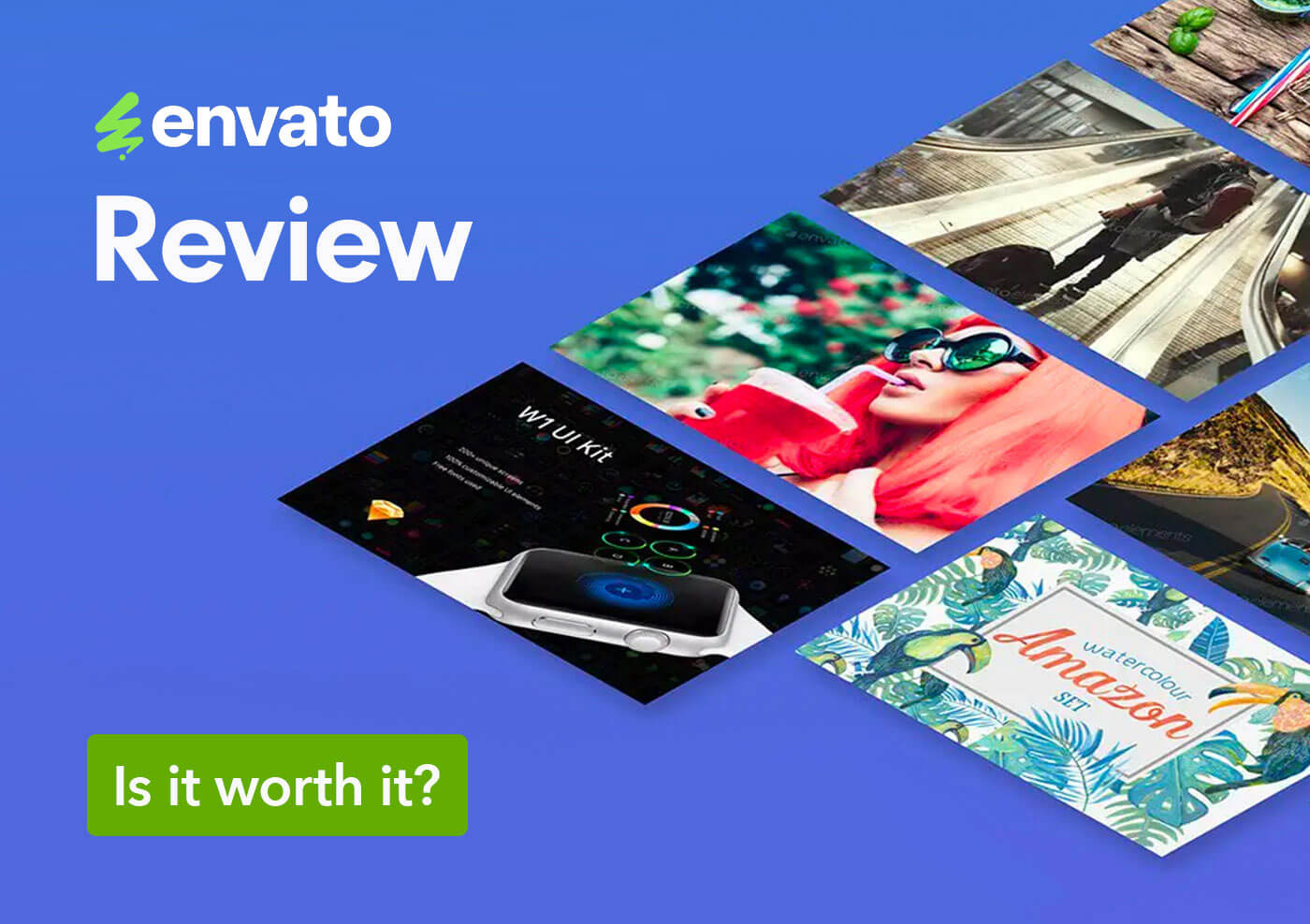 A selection of graphic templates and fonts available for unlimited download on Envato Elements.
Credit: theinspirationgrid.com
Frequently Asked Questions
Is An Envato Subscription Worth It?
An Envato subscription offers unlimited access to high-quality digital assets. It suits creatives needing diverse resources and saves money. Its integration with popular tools and AI features enhances productivity, making it a valuable investment for professionals and hobbyists alike.
Is Canva Better Than Envato?
Canva suits beginners seeking easy, quick designs. Envato offers extensive, high-quality assets for professionals needing variety and depth.
Is Envato A Safe Site?
Envato is a safe and reputable platform trusted by millions worldwide. It offers high-quality digital products and reliable customer support. Users can confidently purchase themes, templates, and other assets with secure payment options and regular content review.
Why Is Envato Closing?
Envato is closing due to declining traffic and shifting focus from marketplaces to Envato Elements subscription service.
Can I use Envato Elements assets in client projects?
Yes, the commercial license covers client work. However, you must download each asset for each separate client project to maintain a valid license. For recurring clients, consider downloading fresh copies per project.
Does Envato Elements offer a free trial?
Envato Elements occasionally provides a free trial or discounted first month. Check the official site for current promotions. A trial is a great way to test the library before committing.
How does Envato Elements compare to Adobe Stock?
Adobe Stock offers a pay-per-asset model and a subscription with monthly download limits. Envato Elements provides unlimited downloads across a broader range of asset types (including fonts, themes, and audio) for a fixed monthly fee. Adobe Stock integrates natively with Adobe apps, but Envato’s integration with Creative Cloud bridges that gap. For heavy users who need variety, Envato often wins on cost.
Conclusion
Envato Elements offers a vast collection of creative assets in one place. It saves time and effort for content creators. The pricing is simple and affordable for many users. The platform’s easy-to-use interface helps find what you need quickly. Licensing terms are clear, allowing worry-free use. Some minor drawbacks exist but do not overshadow its benefits. Overall, Envato Elements suits bloggers, designers, and marketers well. Explore their collection here: Envato Elements. Give it a try to see if it fits your creative needs. Start your free trial today and unlock millions of assets for your next project.


2 thoughts on “Envato Elements Review: Unlock 11M+ Powerful Creative Assets Today”