MunchEye Review: Is It Worth Your Time?
Lead SaaS Analyst & Software Developer at PCSaaS · Software Developer (GitHub @Ratankarmakar) · Google Ads & Analytics Certified · 500+ SaaS Tools Tested · 8+ years in software engineering, B2B SaaS evaluation, AppSumo deal auditing, and performance marketing
If you've typed MunchEye Review into Google, you're probably trying to work out one thing: is the site legit, is it free, and is it worth your time? The confusion is fair. The name gets attached to two completely different things, and most pages ranking for it are affiliate plays with no real testing behind them.
Here's a number worth holding onto. The FTC's Endorsement Guides sit at 16 CFR Part 255, and they require any affiliate relationship to be disclosed clearly and conspicuously. Plenty of pages ranking for this term skip that step entirely.
So let's separate the calendar from the noise, starting with what the term actually points to.
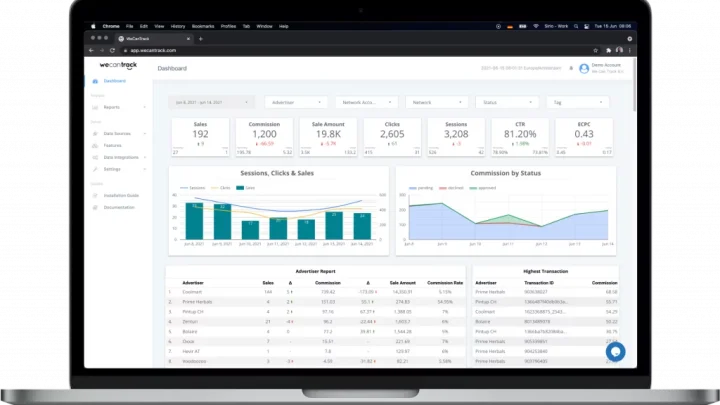
Image source: Web (Bing) / pitiya.com (Web image (fair-use with source credit))
Quick Answer
MunchEye is a free launch calendar listing upcoming digital product launches. It tracks platforms like JVZoo, WarriorPlus, and ClickBank. It does not sell products or test them.
Think of it as a discovery tool, not a review site. Use it to plan ahead, then verify everything yourself.
What "MunchEye Review" Actually Means and Why It Matters
Two different things people are searching for
The name MunchEye gets used for two separate things online, and mixing them up wastes your time. One is muncheye.com, a launch calendar that lists upcoming digital product launches. The other is a product name some people assume refers to a piece of software under review.
Only the first is a real, verifiable thing you can go and look at right now. If you arrived expecting a software review, that's the source of the mix-up. Plenty of pages ranking for this term never bother to explain the split.
Why the distinction changes your decision
If MunchEye is a calendar, your question is about usefulness and trust. If it's a product, your question is about price, features, and refunds. Those are completely different buying decisions, and they lead to different answers.
That matters because the ecosystem behind the calendar runs on affiliate commissions. Vendors pay affiliates to promote launches, and review pages often sit at the top of that chain. Many pages ranking for this term carry affiliate links with no clear disclosure.
That's the exact problem the FTC has addressed directly.
It also explains why so much of what you'll read is filtering out machine-written copy dressed up as first-hand testing. That's the pattern to watch for.
What MunchEye Is and How the Launch Calendar Works
The JVZoo and WarriorPlus ecosystem in plain terms
MunchEye is a launch calendar. It aggregates upcoming and recent digital product launches, and the bulk of those run on JVZoo or WarriorPlus. ClickBank products appear too, though less often.
Think of a launch calendar as a shared diary for the affiliate world. Vendors post a date, affiliates see it, and everyone plans around it. MunchEye sits in the middle of that exchange, which is why it's free.
The money flows through commissions, not subscriptions.
What each listing actually gives you
Each entry typically shows a launch date and time, the vendor, the product name, the platform, and links to the sales page and JV page. The JV page is the affiliate-only side, where swipes, banners, and commission terms live.
What you don't get is any testing or vetting. A calendar lists products. It doesn't review them.
As of 2026, the JVZoo platform still hosts the largest share of these launches, so most listings route back there.
If you're planning a promotion off the back of a listing, you'll want solid link-tracking basics in place first. Otherwise you can't tell which traffic actually converts.
Launch times are usually listed in Eastern Time. That one detail trips up a lot of non-US buyers.
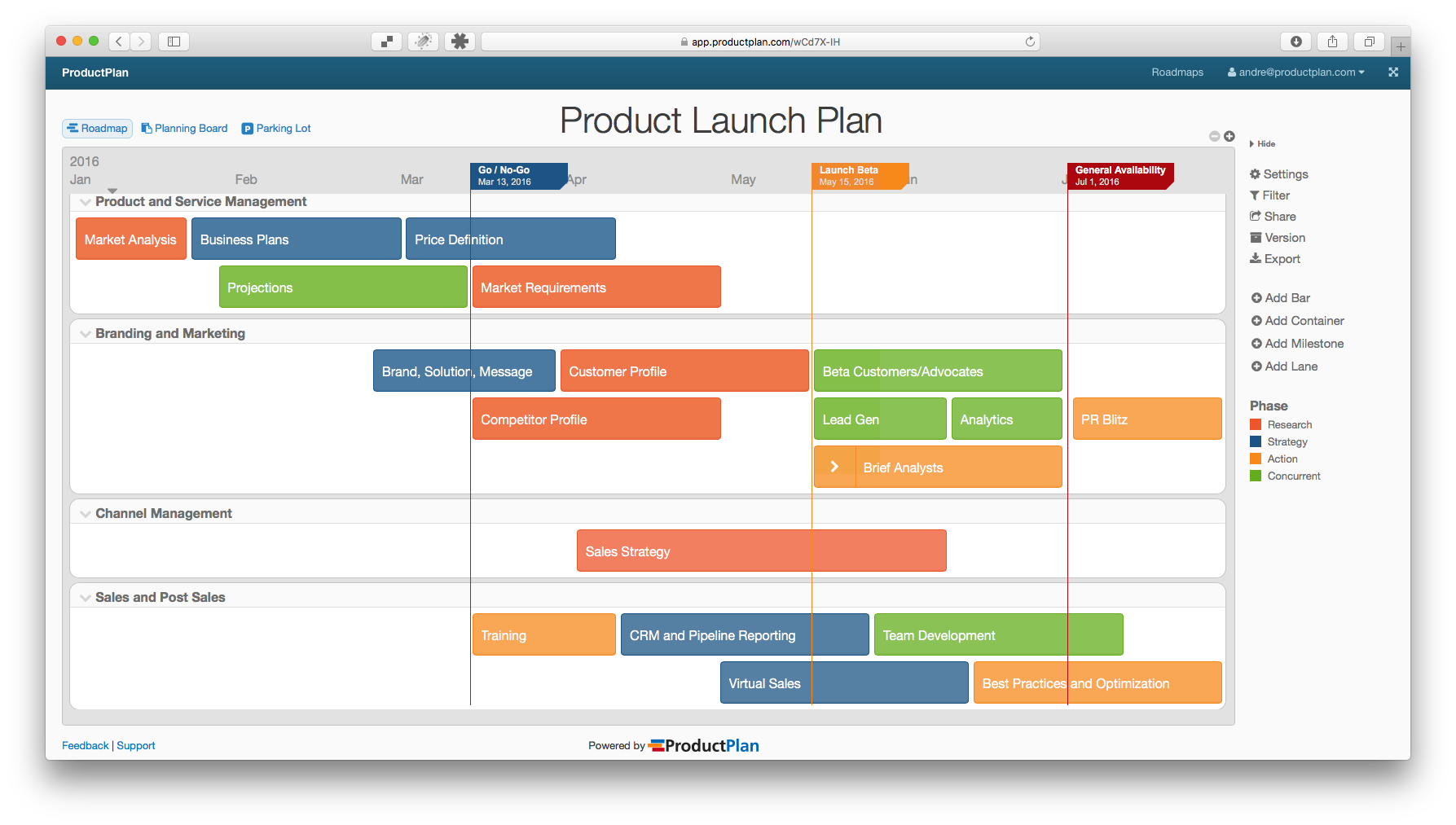
Image source: Web (Bing) / data1.skinnyms.com (Web image (fair-use with source credit))
MunchEye vs. the Alternatives: JVZoo, WarriorPlus, ClickBank, and Forums
Side-by-side comparison
| Option | Best for | Main trade-off |
|---|---|---|
| MunchEye | Seeing launches across platforms in one place | Lists products without vetting them |
| JVZoo marketplace | Browsing one platform directly | Only covers JVZoo products |
| WarriorPlus listings | WarriorPlus-specific launches | Narrower reach |
| ClickBank marketplace | Established evergreen offers | Weak on brand-new launches |
| IM forums and Discord groups | Warnings and word of mouth | Noisy and easy to astroturf |
What each option is best at
MunchEye wins on breadth. If you want one page showing what's launching across several platforms, nothing else does that job as cleanly.
JVZoo and WarriorPlus marketplaces win on accuracy. Details come straight from the source. ClickBank is stronger for evergreen products that have already proven themselves over time.
Forums and group chats win on warnings. People will tell you fast when a vendor has a bad refund record. Treat that as a signal, not proof.
The same discipline applies here as when you're weighing one platform against another for your own workflow. It's also the habit you'd use when checking the underlying data behind any tool you're considering.

Image source: Bing (Web (fair-use with source credit))
What You're Really Paying For: Pricing, Upsells, and Refund Reality
Front-end vs. OTO pricing in this market
Front-end offers on JVZoo and WarriorPlus are usually low-ticket. That low price is the hook, not the total. The real money sits in the OTOs stacked behind checkout, and the total climbs fast.
A typical ladder runs front-end, then two to four upsells, then a downsell for anyone who declines. Each step adds cost. By the end, a product advertised at a low entry price can cost many times that.
Refund windows, chargebacks, and your real backstop
Most of these platforms set a standard refund window, commonly 30 to 60 days. The vendor's own terms override that, so read them before you pay, not after.
Chargebacks are your backstop when a vendor won't refund. Card networks give you a dispute route, and it works more often than people assume. Keep your receipt and the sales page copy.
If you're unsure about a vendor, it's worth testing a tool before you pay wherever a real trial exists. That habit saves more money than any coupon code.
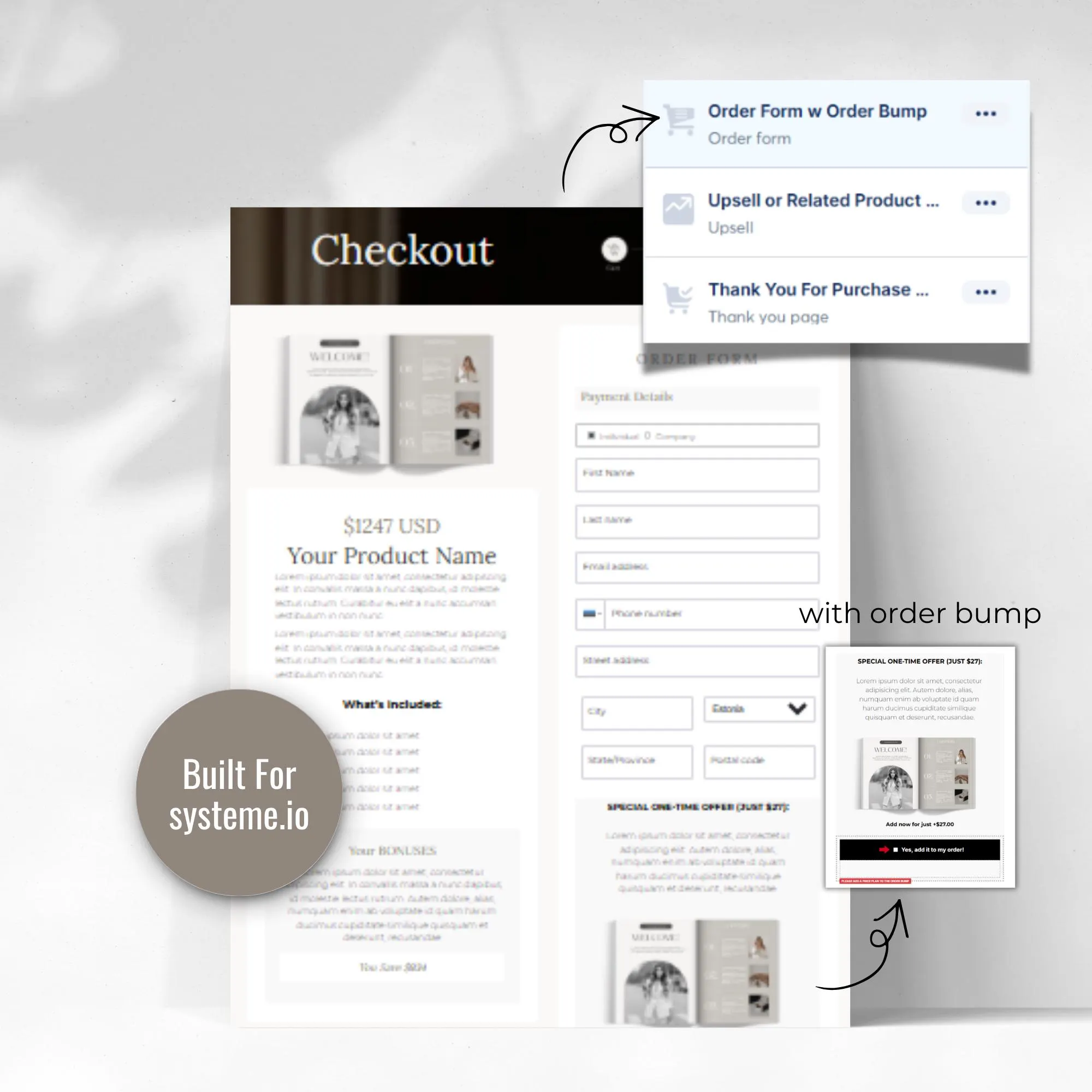
Image source: Bing (Web (fair-use with source credit))
Who MunchEye Is Right For and Who Should Skip It
Affiliates, list owners, and review bloggers
If you promote digital products, MunchEye earns its place in your bookmarks. You get advance notice, which means time to research a vendor before launch day instead of scrambling.
Email list owners get the most value. A calendar lets you plan a promo schedule weeks out rather than reacting to whatever lands in your inbox. Review bloggers and YouTubers benefit too, because upcoming launches come with built-in search demand.
Product creators use it for timing. Before picking a launch date, check what else is going out that week.
Casual buyers and anyone outside the US
If you're just shopping for a tool, the calendar is thin value. You'd get more from the vendor's own page and a quick search for complaints.
Non-US buyers should be cautious. Prices are quoted in US dollars, launch times are Eastern, and VAT on digital goods often gets added at checkout. Your statutory protections may be stronger than a US buyer's, but only if you know they exist.
Whoever you're buying from, it pays to spend five minutes vetting who's behind a product before you hand over card details.
Mistakes That Cost You Money and the FTC Rules You Can't Ignore
Common errors when buying off a launch calendar
The biggest mistake is treating a listing as a recommendation. A calendar entry means a product exists and has a date. It says nothing about quality, and plenty of launches vanish before they go live.
The second is ignoring the upsell ladder. Buyers focus on the low front-end price, then click through four more offers without adding up the total. Decide your ceiling before checkout, not during it.
The third is skipping the vendor's refund terms. Platform-wide policies get overridden by vendor-specific ones, so read the actual page you're buying from.
Disclosure, income claims, and consumer rights
Any page promoting a launch through affiliate links must disclose that relationship clearly and conspicuously. That's the FTC's Endorsement Guides, and it applies to blogs, videos, and email alike.
Income claims need the same scrutiny. "Make $500 a day" requires evidence behind it, and most launch pages don't have any. Treat every earnings figure as marketing until you've seen proof.
If you're in the EU or UK, your rights are stronger than a US buyer's. You generally get a 14-day withdrawal window on digital content, though vendors often ask you to waive it at checkout. Read that waiver before agreeing to it.
One more habit worth building: check the vendor's track record on previous launches. A creator with a solid history of releases is a different bet from a first-timer.
Frequently Asked Questions
Is MunchEye free to use?
Yes, the launch calendar is free and doesn't require a paid subscription. It makes money through affiliate relationships on the listings rather than charging users. That's worth remembering when you're judging how independent any given entry really is.
Is MunchEye a software product?
No, it isn't. MunchEye is a website that lists digital product launches across platforms like JVZoo and WarriorPlus. If you've seen it described as a tool or app, that's a mix-up between the calendar and a product name.
Can I trust the products listed on MunchEye?
Not on the listing alone. The calendar shows what's launching, not whether it's any good. Verify the vendor, read the refund policy, and search for complaints before you buy anything.
What refund rights do I have on a launch purchase?
It depends on the vendor and your location. Most platforms set a 30 to 60 day window, but vendor terms override that. EU and UK buyers usually get stronger statutory protections, including a 14-day withdrawal right on digital content.
Is MunchEye useful if I'm not an affiliate?
Marginally. You'll see what's coming out before it launches, which helps with early-bird pricing. Beyond that, a quick search on the vendor tells you more than the calendar does.
How far ahead are launches listed?
Typically days to a few weeks in advance, though it varies by vendor. Some post early, others confirm late. Dates also shift, so treat any listing as a plan rather than a promise.
The Verdict: Should You Use MunchEye?
For affiliates, list owners, and anyone promoting digital products, yes. It's a free way to see the launch landscape weeks ahead, and that planning time is worth something. Just go in knowing it's a discovery layer, not a quality filter.
For casual buyers, the value is thin. You'd do better going straight to the vendor's page and checking the refund terms yourself. The calendar adds convenience, not certainty.
Here's the short version. If you promote launches, bookmark it. If you buy launches, treat it as a starting point and verify everything from there.
And whoever you are, check the disclosure and the refund window before you spend a penny.

Similar Posts