Personal Finance App: Take Control of Your Money
Lead SaaS Analyst & Software Developer at PCSaaS · Software Developer (GitHub @Ratankarmakar) · Google Ads & Analytics Certified · 500+ SaaS Tools Tested · 8+ years in software engineering, B2B SaaS evaluation, AppSumo deal auditing, and performance marketing
Your bank balance and your budget rarely tell the same story. A personal finance app is built to close that gap by pulling your accounts into one place and showing you where the money actually goes. The catch is that not every app handles your data safely, and some quietly cost more than they save you.
In our research, the biggest differences between apps come down to how they connect to your bank. Open banking APIs, required under rules like the CFPB's Section 1033 in the US and PSD2 in the UK and EU, have replaced risky screen scraping at most major institutions as of 2026. That shift matters, and it's where we'll start.
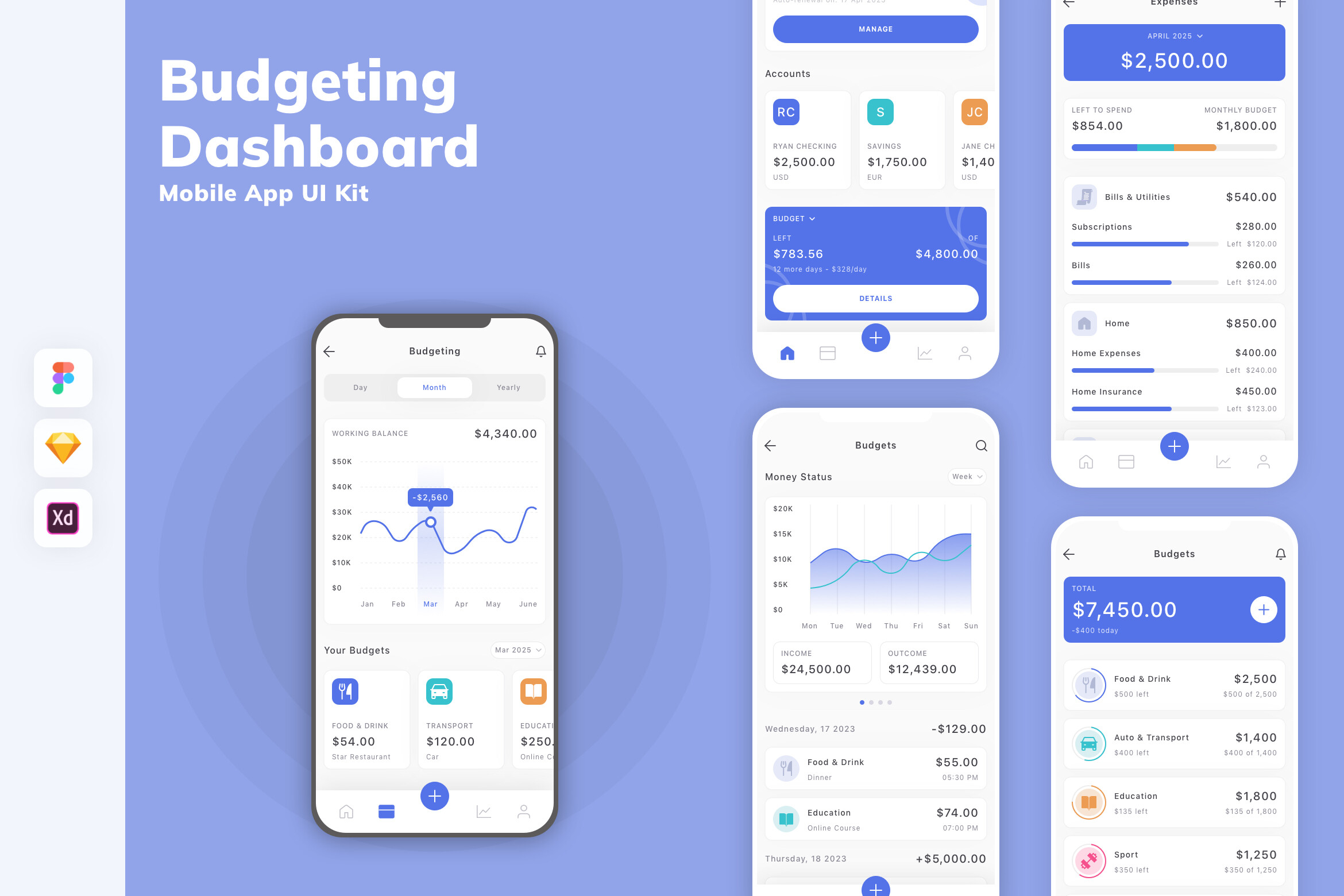
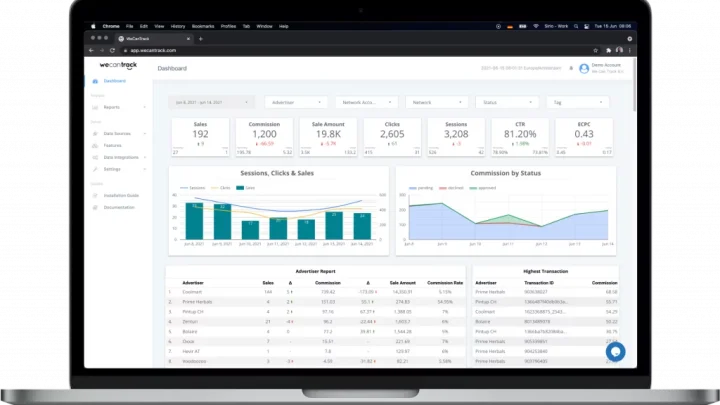
Image source: Bing (Web (fair-use with source credit))
Quick Answer
A personal finance app links your bank accounts and shows your spending in one place. It tracks transactions, sets budgets, and flags upcoming bills. Most apps sync once or twice a day.
Free versions often run ads or share data. Paid plans cost roughly $5 to $15 monthly. Security terms matter more than the feature list.
What a Personal Finance App Actually Does, and Where It Can Go Wrong
Strip back the branding and nearly every app does three jobs. It pulls your accounts into one view, sorts transactions into categories, and turns that mess into reports you can act on.
Account aggregation is the engine. An app connects to your bank through an aggregator like Plaid, Yodlee, or MX, or directly through your bank's open banking API. That link is usually read-only, so the app can see balances but can't move your money.
Then comes categorization. This is where people either fall in love with the app or abandon it within a month.
Here's the if/then logic that saves you a wasted year:
- If your spending is steady and simple, a free tracker with solid auto-categorization is enough.
- If your income swings month to month, you need manual control and rollover budgets.
- If you hold investments across several brokers, you need net worth tracking, not just budgeting.
- If you share money with a partner, you need multi-user access and permission levels.
Where apps go wrong is quiet. Bank connections break when credentials change. Categories drift after a few months.
Balances fall out of sync, and nobody notices until tax season.
Aggregate user reviews show the same complaint pattern across every major app, and it isn't about features. It's about trust fading the moment the sync stops working.
The Features That Matter Most, and the Ones That Just Look Shiny
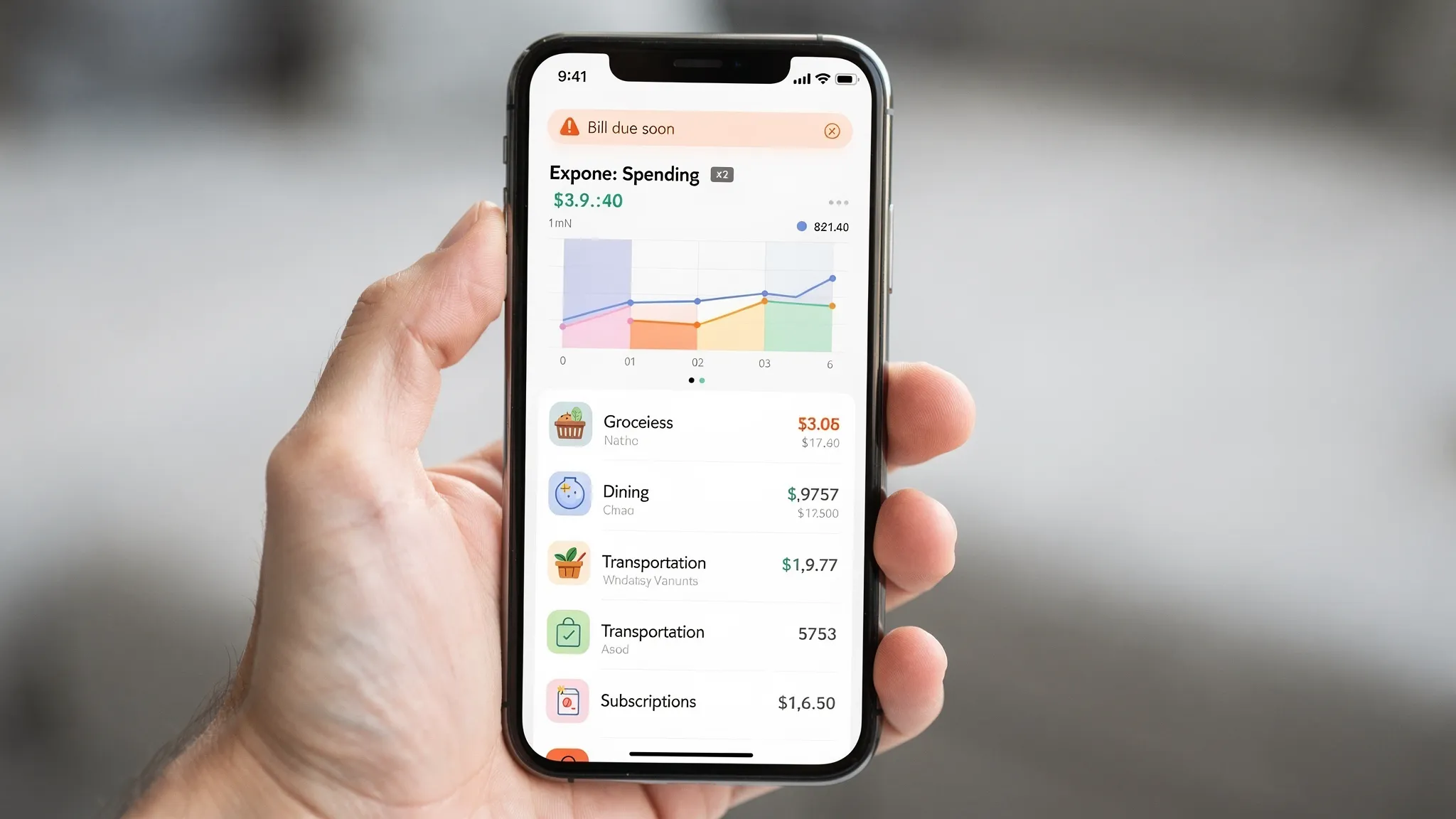
Image source: Bing (Web (fair-use with source credit))
Not every feature deserves your attention. A handful do the heavy lifting.
- Connection reliability. If sync breaks weekly, nothing else matters.
- Rules and auto-tagging. Set it once and transactions sort themselves.
- Net worth history. Tracks debt payoff and investment growth over years, not weeks.
- Export and backup. CSV export keeps you free to leave whenever you want.
- Shared budgets. Separate logins with permission levels beat one shared password.
The shiny stuff is easier to spot in marketing. AI spending insights, gamified streaks, and credit score widgets look great in a demo. On their own, they rarely change behavior.
Manufacturer specs confirm most apps refresh balances once or twice a day, not in real time. That lag trips people up when they pay a bill and stare at a stale number.
Manual entry still has a place. People who touch their numbers, even lightly, tend to stick with budgeting longer than people who fully automate and forget.
If you export statements regularly, an encrypted backup location keeps your financial records safe and separate from the app itself.
Security, Data Sharing, and the Legal Rules You Are Trusting
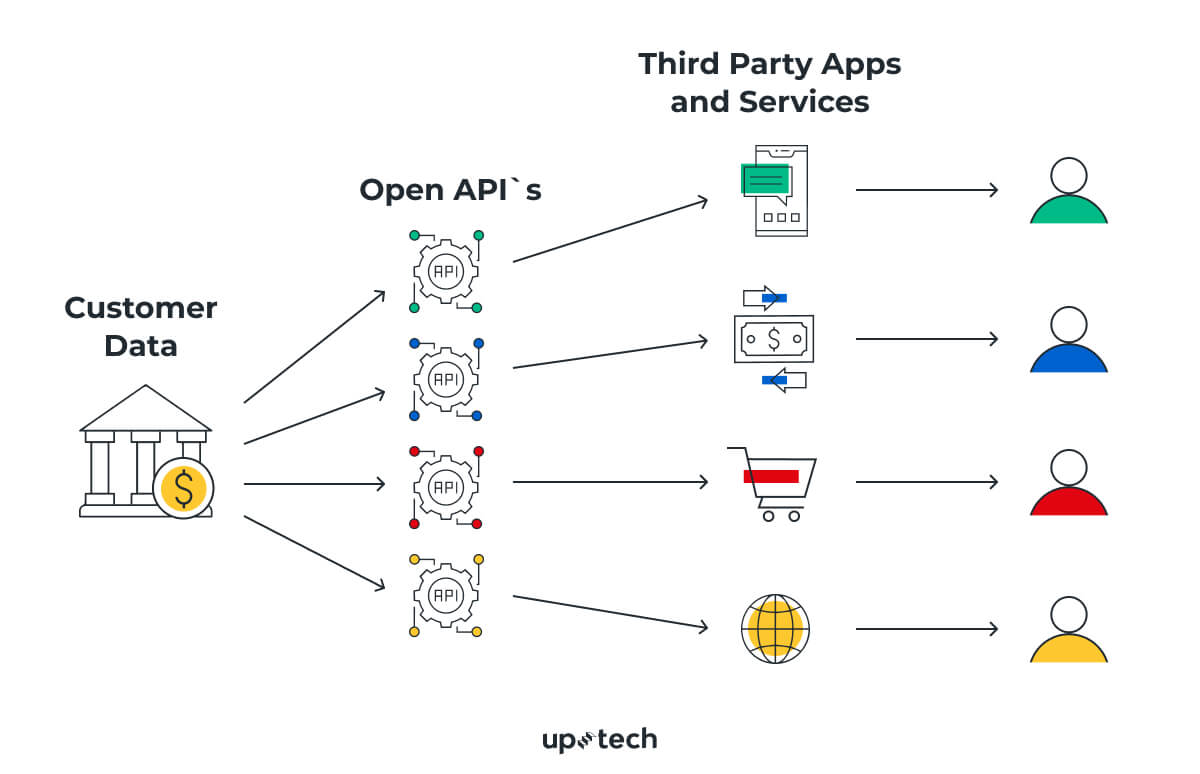
Image source: Bing (Web (fair-use with source credit))
Your app holds the keys to your financial life. That makes its security posture far more important than its interface.
Green flags to look for:
- Read-only access. The app can view balances but never move money.
- OAuth connections. You log in on your bank's page, not inside the app.
- Two-factor authentication. Turn it on before you link a single account.
- Tokenized credentials. Your bank login is never stored in plain text.
- SOC 2 or ISO 27001 certification. Independent audits, not marketing promises.
The legal layer matters too. In the US, the Gramm-Leach-Bliley Act governs how financial institutions handle your data. GDPR covers EU users, and California's privacy law gives residents deletion rights.
The Consumer Financial Protection Bureau has been tightening rules on how aggregators share and retain your information.
Check the privacy policy before you connect anything. If it allows selling data to third parties or running targeted ads off your transactions, walk away.
Protect the accounts themselves as well. A reliable password manager stops reuse across banks and apps. The NIST cybersecurity framework is the baseline auditors measure these apps against, and two-factor authentication sits near the top of that list.
One more thing. Revoke access from your bank's security settings when you stop using an app. Deleting the app doesn't always kill the connection.
Pricing, Fees, and Hidden Costs Across Free, Freemium, and Premium Apps
The sticker price is rarely the real cost. Here's how the tiers usually break down.
| Tier | Typical price | What you get | The catch |
|---|---|---|---|
| Free | $0 | Basic budgeting, ads, limited support | Data sharing or ad targeting |
| Freemium | $0 to $8/month | Core features plus a paywall | Best features locked behind upgrades |
| Premium | $5 to $15/month, or $50 to $100/year | Full sync, reports, support | Renewal creep, slow cancellations |
| Asset-based | 0.25% to 1% of assets | Investing plus planning | Fee scales as your portfolio grows |
| Lifetime | $50 to $200 once | Permanent access | Fewer updates, thin support |
Hidden costs show up in places you don't expect. Some apps earn affiliate commissions when they nudge you toward refinancing, loans, or subscription cancellations.
Others make cancellation deliberately awkward. You signed up in ten seconds and spend fifteen minutes trying to leave.
One fact most people miss: FDIC insurance covers deposits inside your bank, not inside the app. SIPC covers brokerage accounts, not the dashboard that displays them. If the app shuts down, your money was never with them.
Free is fine when the trade-off is clear. Pay when you actually need reliable sync, real support, and your data kept private.
Who Each Type of App Is Right For
There's no single best app. There's a best app for your money situation, and it changes as your life does.
- Steady salaried budgeters. A zero-based budgeting app like YNAB or EveryDollar fits best. You give every dollar a job and adjust monthly.
- Variable income earners and freelancers. Pick an app with rollover budgets and sinking funds. Irregular months break rigid budgets fast.
- Debt payoff focused users. Look for debt snowball or avalanche tools and payoff projections. Rocket Money and PocketGuard handle this well.
- Investors tracking net worth. Empower or Monarch Money track brokerage accounts, retirement funds, and property in one net worth line.
- Couples sharing money. Multi-user access with separate logins matters more than any chart. Shared passwords create security holes.
- People with ADHD or executive-function struggles. Fewer categories, automatic tagging, and a simple daily check-in beat feature-heavy dashboards.
- Privacy-first users. If you won't link accounts, a manual-entry app like Actual Budget or a spreadsheet wins outright.
Our research keeps landing on the same point. The app that survives past month three is the one that matches your habits, not the one with the longest feature list.
Aggregate reviews also show a clear pattern. People who pick an app for one specific problem, like overspending or debt, stay loyal far longer than people chasing an all-in-one tool.
Mistakes That Cost People Money, Time, or Privacy
Most problems trace back to setup shortcuts and ignored warnings. Here are the ones we see come up again and again.
- Using the same password everywhere. One breach cascades into every linked account.
- Skipping two-factor authentication. It's the single biggest security upgrade, and it's free.
- Linking accounts on public Wi-Fi. Use a secure connection layer when you're away from home.
- Ignoring the privacy policy. If it permits selling transaction data, your habits become someone's ad inventory.
- Trusting the balance blindly. Sync lag means the number on screen may be a day old.
- Letting categories drift. Unreviewed rules miscategorize for months and skew every report.
- Forgetting to revoke access. Old apps keep reading your data after you've stopped using them.
- Chasing credit score apps daily. FICO and VantageScore models don't move that fast, so the anxiety isn't worth it.
Behavioral traps matter just as much as technical ones. Gamified spending streaks and "you earned it" nudges can push you toward overspending. If an app makes you feel bad every time you open it, you'll stop opening it.
Keep regular backups of exported statements. Apps shut down, sync fails, and accounts get locked. Your records should outlive any single tool.
Safe Setup and Long-Term Habits: A Step-by-Step Walkthrough
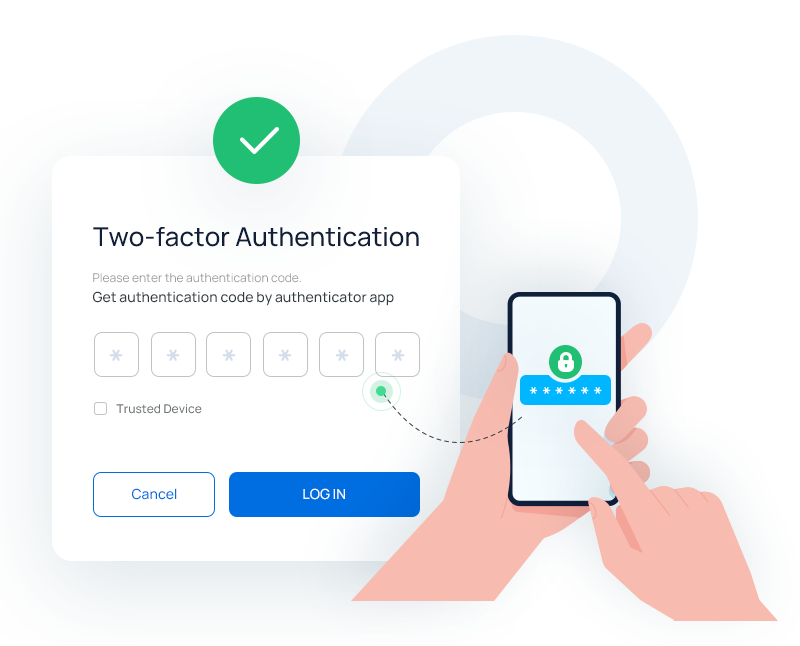
Image source: Bing (Web (fair-use with source credit))
Setup takes about thirty minutes if you follow this order.
- Turn on two-factor authentication on your bank accounts first.
- Pick an app that uses OAuth connections through your bank, not screen scraping.
- Read the privacy policy and check for a SOC 2 or ISO 27001 badge.
- Create a strong, unique password for the app itself.
- Link one account, verify the balance, then link the rest.
- Set up categories and rules for your five biggest spending areas.
- Build one budget or one goal. Skip the rest for now.
- Export a CSV backup and store it in offsite storage.
Weekly check-ins beat marathon monthly sessions. Ten minutes on Sunday catches drift before it becomes a mess.
Monthly, reconcile your app against a real bank statement. If the numbers don't match, fix the connection or the category rule before moving on.
Quarterly, review which apps still have account access and revoke anything you're not using. Check for subscription price changes while you're there.
Yearly, revisit whether the app still matches your life. Job changes, new debt, and new investments all shift what you need.
Frequently Asked Questions
Do personal finance apps work with every bank?
No, coverage varies. Most major US, UK, and EU banks support open banking connections now. Smaller credit unions and some regional banks still rely on slower aggregator links.
Check your specific bank on the app's website before subscribing.
Is my money safe inside a budgeting app?
The app never holds your money, so FDIC insurance doesn't apply to it. Your deposits stay at your bank and remain insured up to $250,000 per depositor. SIPC covers brokerage accounts separately.
The app only displays the data.
What happens to my data if I delete the app?
Deleting the app doesn't always delete your data. You need to request deletion in writing and revoke account access from your bank's security settings. Under GDPR and California's privacy law, you have the right to ask for full erasure.
Why do bank connections keep breaking?
Banks expire session tokens when passwords change or security policies update. Aggregators then need you to re-authenticate. It's annoying, but it's also a sign the connection is secure.
Apps with weak security rarely break because they store credentials insecurely.
Are free personal finance apps actually safe?
Some are, and some aren't. Free apps often monetize through ads, affiliate commissions, or data sharing. Check the privacy policy carefully.
If it allows selling your transaction history to third parties, that's your answer.
How long does setup usually take?
Most people finish linking accounts in twenty to forty minutes. Learning the app's workflow takes another week or two. Full automation of categories and rules typically settles by the end of the first month.

Similar Posts



















[…] models from a single login. That is useful for anyone tired of monthly outgoings piling up in their monthly budget breakdown. The trade-off is that you cannot verify model quality in advance the way you can with a direct […]