Endpoint security software for small offices: 2026
Lead SaaS Analyst at PCSaaS · Software Developer · 500+ Tools Tested · Google Ads & Analytics Certified · 8+ Years Experience
Endpoint security software for small offices should combine strong malware prevention with central management, usable EDR, and a clear path to a monitored response when alerts need follow-up. For most small offices, Bitdefender GravityZone is the strongest match for those needs.
EPP, or endpoint protection platform, describes software designed to protect devices such as office computers. SMBs, or small and midsize businesses, often need protection that fits limited IT capacity, a concern reflected throughout these small-office recommendations.
See current plans and pricing
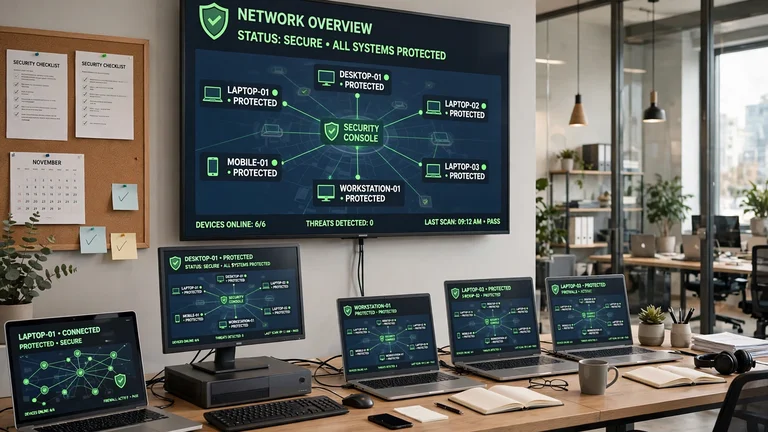
Endpoint Security for Small Offices: Top Picks at a Glance
Bitdefender GravityZone is my overall pick here. It pairs strong protection with centralized management. That combination matters most for a small office. Microsoft Defender for Business is the simplest choice if your office already runs on Microsoft 365. Sophos Endpoint is worth a look if you want more investigation options. ESET PROTECT Entry and VIPRE Endpoint Security Cloud are the most straightforward cloud-managed choices for offices without a full-time IT person.
| Product | Best for | Management | Response options |
|---|---|---|---|
| Bitdefender GravityZone | Layered protection and growth | Cloud console | EDR options available |
| Microsoft Defender for Business | Microsoft-centered offices | Microsoft 365 admin | Microsoft Defender XDR integration |
| Sophos Endpoint | Centralized oversight | Sophos Central | XDR and MDR options |
| Kaspersky Endpoint Security Cloud Plus | Cloud policy management | Cloud console | EDR options available |
| ESET PROTECT Entry | Detailed administration | ESET PROTECT Cloud | EDR available in higher tiers |
| VIPRE Endpoint Security Cloud | Straightforward cloud management | Cloud console | Confirm included capabilities |
A cloud console can simplify administration. It does not, on its own, mean someone is watching the alerts. Before you choose, decide who will review alerts and act when follow-up is needed.
How I Evaluated These Small-Office Endpoint Security Options
I compared these options by how well their documented capabilities match a small office’s staffing, device mix, and response capacity. The strongest choice is not just the product with the most features. It is the one your office can actually run, day after day, once setup is done.
Ease of setup and routine administration matter when nobody does security full time. I also weighed how clear the alerts are, what investigation options exist, and whether someone is available to act when a threat needs follow-up.
Bitdefender GravityZone: Best for Layered Protection and Room to Grow
Best for: small offices expecting to add devices, policies, or security oversight.
What stands out
The GravityZone console lets administrators manage endpoints centrally. The platform can be deployed across physical, virtual, and cloud environments.
For an office adding endpoints or virtual systems, centralized policies cut down on configuring each device one by one.
Trade-offs for a small office using GravityZone
GravityZone’s range of packages and add-on capabilities can make licensing harder to compare. EDR and other advanced options may be bundled separately. Confirm which capabilities are included before you decide.
Pros
- Centralized endpoint management
- EDR options for investigation
- Protection for physical, virtual, and cloud systems
Cons
- Licensing and package differences need careful review
- Advanced capabilities may require a higher tier
- Setup may take time for a small team
My verdict: I would shortlist Bitdefender GravityZone for an office that expects to add devices or strengthen its endpoint oversight over time.
See current plans and pricing
Microsoft Defender for Business: Best for Microsoft-Centered Offices
Best for:offices already centered on Microsoft 365.
What stands out
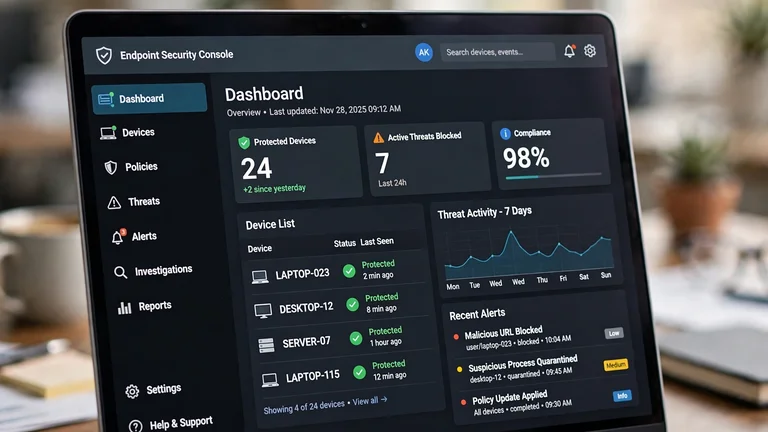
Microsoft Defender for Business is a practical fit when staff already work with Microsoft 365. It fits the same admin experience they already use.
That shared environment means less tool switching. Endpoint alerts stay in a familiar Microsoft workflow.
Trade-offs for a small office using Microsoft Defender for Business
The Microsoft ecosystem can simplify workflows. Still, configuration and navigation may take security expertise to set up well.
Pros
- Fits Microsoft 365 workflows
- Centralized Microsoft admin experience
- Microsoft Defender XDR integration
Cons
- Best suited to Microsoft-centered offices
- Configuration can require security expertise
- Licensing depends on Microsoft 365 plans
My verdict: I recommend Microsoft Defender for Business for Microsoft-centered offices that want endpoint protection integrated with Microsoft 365.
Sophos Endpoint: Best for Centralized Oversight and Response Options
Best for: Small offices that want a central console and may need options beyond basic protection.
What stands out
Sophos Endpoint combines malware and ransomware prevention with management from a central console.
For an office with mixed operating systems, a shared management console can simplify oversight compared with managing each platform separately. It also supports Windows, macOS, and Linux.
Trade-offs for a small office using Sophos Endpoint
Before buying, verify the current product name, sales and support channels in your region, plan the rollout, and confirm that response options match your team’s capacity.
Pros
- Centralized management through Sophos Central
- XDR and MDR options
- Support for Windows, macOS, and Linux
Cons
- Response options vary by plan
- MDR adds a separate service cost
- Plan details need careful review
My verdict: I recommend Sophos Endpoint for small offices that value centralized management and want response options they can grow into.
Kaspersky Endpoint Security Cloud Plus: Best for Cloud-Based Policy Management
Best for: Small offices seeking cloud-based administration and centrally managed policies.
What stands out
Cloud-based management can make policy administration more practical when staff work across several locations.
Trade-offs for a small office using Kaspersky Endpoint Security Cloud Plus
Availability and product naming can differ by country, so a familiar product name does not guarantee the same offer in your region.
Pros
- Cloud-based policy management
- Centralized administration
- EDR options available
Cons
- Availability varies by region
- US availability needs confirmation
- Plan scope should be verified before buying
My verdict: I recommend considering Kaspersky Endpoint Security Cloud Plus when cloud-managed policies are the priority and regional availability is confirmed.
ESET PROTECT: Best for Offices That Want Detailed Administration
Best for: Offices that want configurable endpoint policies and centralized oversight.
What stands out
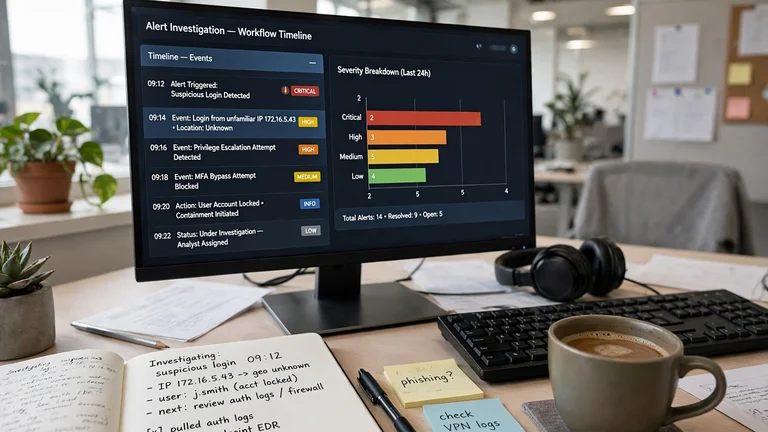
ESET PROTECT Cloud gives administrators a central place to deploy protection, apply policies, and view endpoint status.
The trade-off is control: detailed policies and reports are most useful when someone knows what to change and how to interpret the results.
Trade-offs for a small office using ESET PROTECT
Plan level matters. Entry is the baseline for endpoint protection and cloud management; higher ESET PROTECT tiers add capabilities that a small office may or may not need.
Pros
- Detailed policy controls
- Centralized cloud management
- Clear entry-level option
Cons
- Detailed setup needs security knowledge
- Higher tiers add cost
- Reports require someone to review them
My verdict: I recommend ESET PROTECT Entry for offices that want centralized control and can manage detailed policies.
VIPRE Endpoint Security Cloud: Best for Straightforward Cloud Management
Best for: Small offices that want to manage endpoint security through a cloud console.
What stands out
A cloud console can make it easier to apply consistent settings across office devices without managing each device separately.
Trade-offs for a small office using VIPRE Endpoint Security Cloud
Do not assume that advanced detection, investigation, or response capabilities are included. Before buying, confirm which capabilities are part of the plan you choose.
Use the trial to assess alert clarity as well as setup. Check whether staff can distinguish actionable alerts from routine notifications before rolling out the product.
Pros
- Straightforward cloud management
- Consistent settings across devices
- Trial available to assess fit
Cons
- Advanced capabilities need confirmation
- Response options vary by plan
- Alert review still needs a named owner
My verdict: I recommend VIPRE Endpoint Security Cloud for a small office prioritizing straightforward cloud management.
How to Choose an Endpoint Security Solution for Your Office
Compare finalists against your actual devices, the people responsible for security, and the full licensing cost.
Inventory devices and operating systems. List company computers, personal devices used for work, and the operating systems each one runs.
Match protection to your response capacity. Basic endpoint protection may suit an office that only needs prevention. EDR is more useful when someone can investigate alerts.
Assign the operational work. Before buying, name the person who will review alerts, apply updates, and act when an incident needs follow-up.
Calculate the full cost. Compare per-device and per-user licensing, minimum commitments, and renewal terms before choosing.
Pilot before rollout. Start with a small group that represents your real device mix and confirm that setup, alerts, and policies work as expected.
Which Option Fits Your Small-Office Situation?
Choose by who will manage alerts, which devices need protection, and what your existing subscriptions already include.
| What matters | If this is your situation, consider |
|---|---|
| Existing Microsoft 365 use | Microsoft Defender for Business |
| Growth and layered protection | Bitdefender GravityZone |
| Investigation and response options | Sophos Endpoint |
| Cloud policy management | Kaspersky Endpoint Security Cloud Plus |
| Detailed policy control | ESET PROTECT Entry |
| Simple cloud management | VIPRE Endpoint Security Cloud |
A cloud console can help oversee remote endpoints, but it does not by itself assign someone to the response work.
Final Verdict
For most small offices, I recommend Bitdefender GravityZone as the overall choice. It combines broad protection with centralized management. And it can grow as the office adds devices.
Choose Microsoft Defender for Business if your office is already centered on Microsoft tools and wants fewer consoles to manage.
Choose Sophos Endpoint if investigation and response options are the priority. Choose ESET PROTECT Entry or VIPRE Endpoint Security Cloud for straightforward cloud-managed administration.
The deciding question is who will act when an alert appears. A capable endpoint security solution only helps if someone reviews the alert and follows through.
My verdict: I recommend Bitdefender GravityZone for most small offices. Choose a different option only when your existing tools or response capacity clearly point elsewhere.
See current plans and pricing
Sources and Further Reading
- Bitdefender GravityZone Business Security
- Microsoft’s Defender for Business overview
- ESET’s business security options (eset.com)
Frequently Asked Questions
What is the best endpoint security software for a small office?
Bitdefender GravityZone is my overall choice for most small offices because it is the strongest match for layered protection, central management, and response options.
Is antivirus enough for a small business, or do I need EDR?
Antivirus can block common threats, but EDR adds tools to detect, investigate, and respond to suspicious activity. A small office should choose EDR when someone can review and act on its findings.
Which endpoint security is easiest to manage without an IT team?
VIPRE Endpoint Security Cloud is the cloud-managed option I would shortlist when straightforward administration is the priority. A centralized console can simplify policy management, but it does not automatically provide someone to investigate every alert. Offices without IT staff should ask who handles response before choosing a self-managed endpoint security solution.
How much does endpoint security software cost for a small business?
Endpoint security software cost depends on the number and type of devices, the selected license, and whether services such as managed monitoring are included. Compare the full license scope and renewal terms, not just the per-device figure. Check the current price and terms before buying, since licensing can change.
Is Microsoft Defender for Endpoint suitable for a small office?
Microsoft Defender for Business is a sensible choice for a small office already organized around Microsoft tools, provided its licensing and supported operating systems fit the device fleet. Compare what your subscription includes with the protection and management functions you need. A Microsoft-centered setup can simplify administration, but it still needs an alert-response owner.
Can endpoint security protect remote workers and personal devices?
Endpoint security can protect remote workers when their work devices have the security agent installed and receive policies from the organization’s management console. Personal devices require a separate decision: set rules for enrollment, access, and privacy before deployment. For a mixed Windows and Mac fleet, verify support for each operating system and device type.
Is Kaspersky Endpoint Security Cloud Plus available in the US?
I would not assume Kaspersky Endpoint Security Cloud Plus is a practical US option without current US sales and support terms. If eligibility is unclear, compare another shortlisted product rather than building your office’s security plan around uncertain access.

Similar Posts