Budget VPN for Small Businesses: Affordable and Secure Solutions for 2026
Lead SaaS Analyst at PCSaaS · Software Developer · 500+ Tools Tested · Google Ads & Analytics Certified · 8+ Years Experience
Find the best budget VPNs for small businesses. Stay secure without overspending!
Protecting business data is key. Small businesses often don’t have big security budgets. This makes them easy targets for cyberattacks. VPNs (Virtual Private Networks) help protect information. They also secure online activities. This article looks at the best affordable VPNs for small businesses in 2026.
We’ll focus on price, security, speed, and ease of use.
The best budget VPN for small businesses in 2026 is NordVPN, starting at $3.99 per month, for its strong security, 5,000-plus servers and 30-day money-back guarantee. Surfshark is best for unlimited devices at $2.30 per month, while Private Internet Access is the cheapest paid option at $2.03 per month.
Why Small Businesses Need a VPN
A VPN encrypts your data. This makes it hard for hackers to steal sensitive details like financial data or customer emails. Small businesses need this protection because they often don’t have a lot of security resources. VPNs also hide your IP address. This makes it harder for websites and ads to track you. It helps keep employee and customer data safe. For more on this, see our guide on cheap hosting for small businesses.
Here are some reasons small businesses should use a VPN:
- Better Security : VPNs protect data, especially on public Wi-Fi.
- Safe Remote Access : Employees can connect securely from anywhere.
- Access Blocked Content : VPNs help businesses get past region-blocked services.
- Stay Compliant : VPNs help meet data protection rules like GDPR.
- Save Money : VPNs reduce costs from cyberattacks and security breaches.
In practice, a VPN is one layer of a broader security strategy. Many small business owners overlook the fact that a VPN also prevents ISP tracking and reduces the risk of man-in-the-middle attacks on unsecured networks. Pairing a VPN with a reliable hosting provider can further strengthen your online presence. For instance, choosing an enterprise-level hosting solution ensures your website data is protected at the server level as well. The FTC’s small business cybersecurity guidelines recommend layering security tools, and a VPN is a cost-effective starting point.
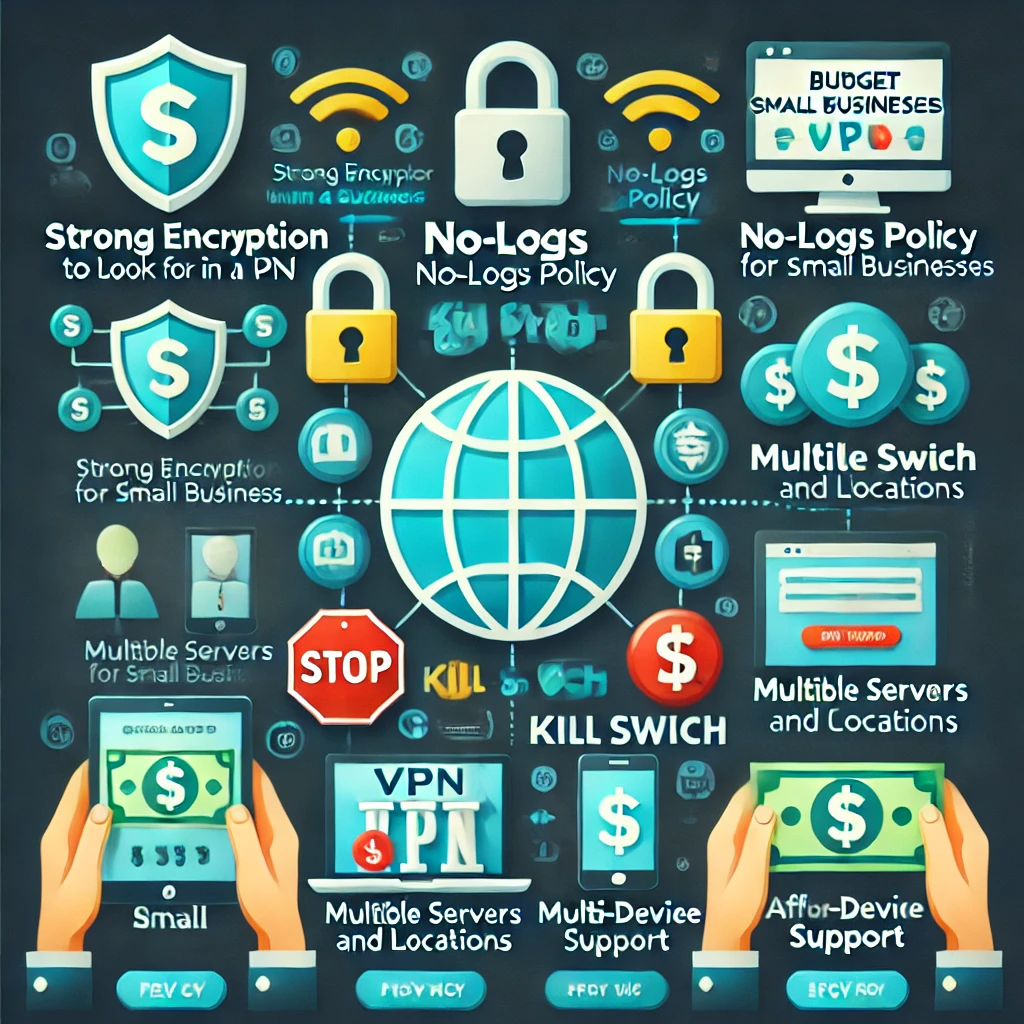 Key security features to evaluate when choosing a VPN.
Key Features to Look for in a Budget VPN
When choosing a budget VPN for your business, it’s important to focus on both security and cost. Here are the key features to look for:
- Strong Encryption : Choose a VPN with 256-bit encryption. This is the same level used by banks and the military.
- No-Logs Policy : Make sure the VPN doesn’t keep any records of your activity. This protects your privacy.
- Kill Switch : A kill switch will cut off your internet if the VPN disconnects. This keeps your data safe.
- Multiple Servers and Locations : The more server options, the better. This lets you access content from different regions and stay secure.
- Easy-to-Use Interface : Pick a VPN that’s simple to set up and use. No one has time for complicated tools.
- Multi-Device Support : Ensure the VPN works on all your devices—computers, smartphones, tablets, and more.
- Affordable Pricing : Find a VPN that’s budget-friendly but still offers great service. Many budget VPNs offer discounts for long-term plans.
While these features are essential, it’s also important to consider the VPN’s jurisdiction and logging policy. A VPN based in a privacy-friendly country (like Switzerland or Panama) may offer stronger legal protections. Additionally, look for independent audits of the no-logs policy – services like NordVPN and Proton VPN have undergone third-party audits to verify their claims. Speed consistency across multiple servers is another practical factor; test a VPN’s performance during peak hours before committing to a long-term plan. A common mistake is assuming that more servers always mean faster speeds – in reality, a well-maintained medium-sized network often outperforms a sprawling one with neglected nodes. For more on this, see our guide on small website hosting.
Best Budget VPN for Small Businesses in 2026
Let’s dive into the top budget-friendly VPN options for small businesses that offer a good balance of security, performance, and affordability.
1. NordVPN (Best for Security & Performance)
Price: Starts at $3.99/month (on a 2-year plan)
NordVPN is one of the most popular VPN services and offers strong security features at an affordable price. It provides 256-bit AES encryption , a no-logs policy , and a kill switch for an extra layer of security. The service also supports multiple devices , so your team can secure their connections regardless of the platform. With over 5,000 servers across 60 countries, NordVPNensures fast and reliable connections for your business.
Key Features:
- No-logs policy
- Double encryption for enhanced security
- DNS leak protection
- Fast servers with unlimited bandwidth
- 30-day money-back guarantee
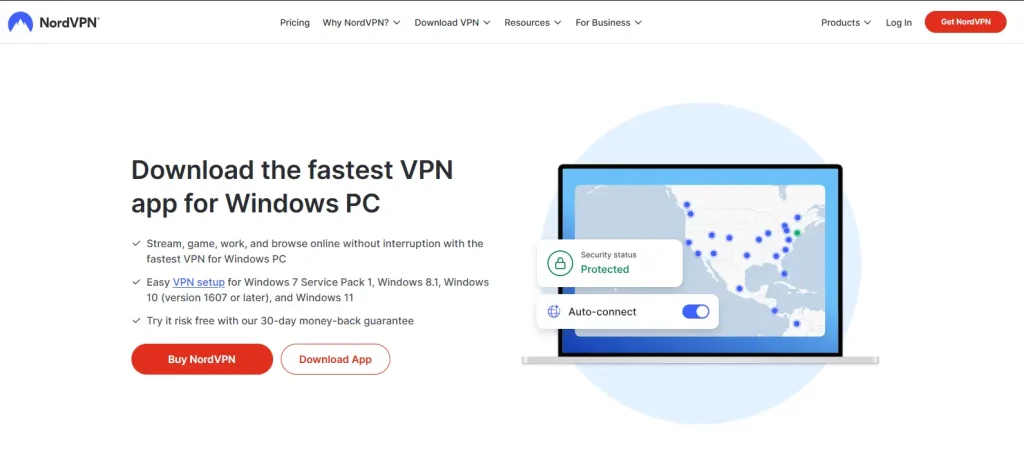 NordVPN’s intuitive interface for managing connections.
Save up to 67% on NordVPN’s 2-year plan – limited time offer
2. Surfshark (Best for Unlimited Devices)
Price: Starts at $2.30/month (on a 2-year plan)
If you have multiple employees or devices to secure, Surfshark offers unlimited device support for a very affordable price. It provides strong encryption , a no-logs policy , and advanced security features like multi-hop and Camouflage Mode . Surfshark’s servers span over 100 countries, making it a great option for businesses with international operations.
Key Features:
- Unlimited simultaneous connections
- Multi-hop and split tunneling
- No-logs policy
- 30-day money-back guarantee
- Malware and ad blocker included
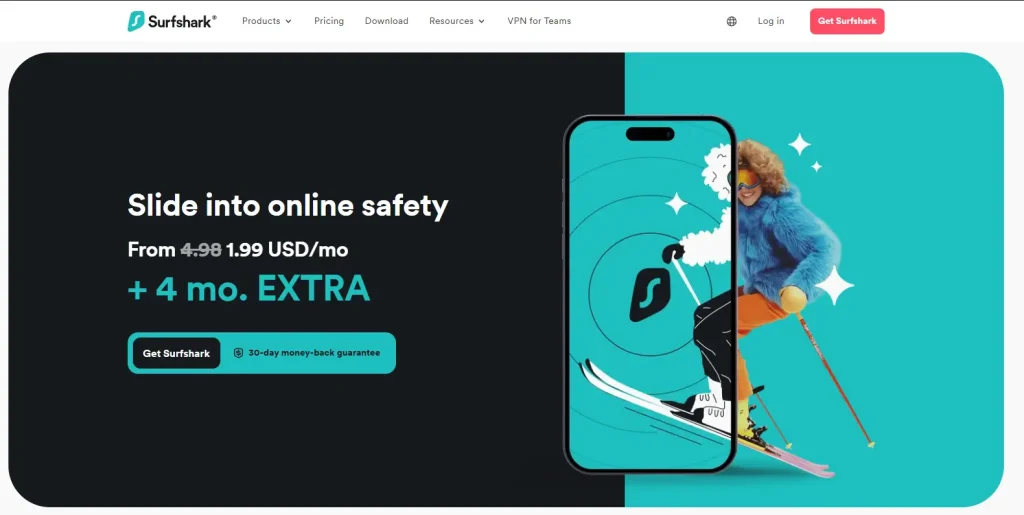 Surfshark’s advanced settings for privacy-conscious users.
3. Private Internet Access (PIA) (Best for Customization)
Price: Starts at $2.03/month (on a 2-year plan)
Private Internet Access (PIA) is an excellent VPN option for businesses looking for customizable security options. It offers 256-bit encryption , DNS leak protection , and a no-logs policy . PIA allows users to fine-tune their security features, such as choosing between different encryption protocols (OpenVPN, WireGuard, etc.). It also has an extensive server network in over 78 countries , ensuring fast and secure connections.
Key Features:
- Flexible encryption options
- Strong security protocols (OpenVPN, WireGuard)
- Supports up to 10 devices simultaneously
- 30-day money-back guarantee
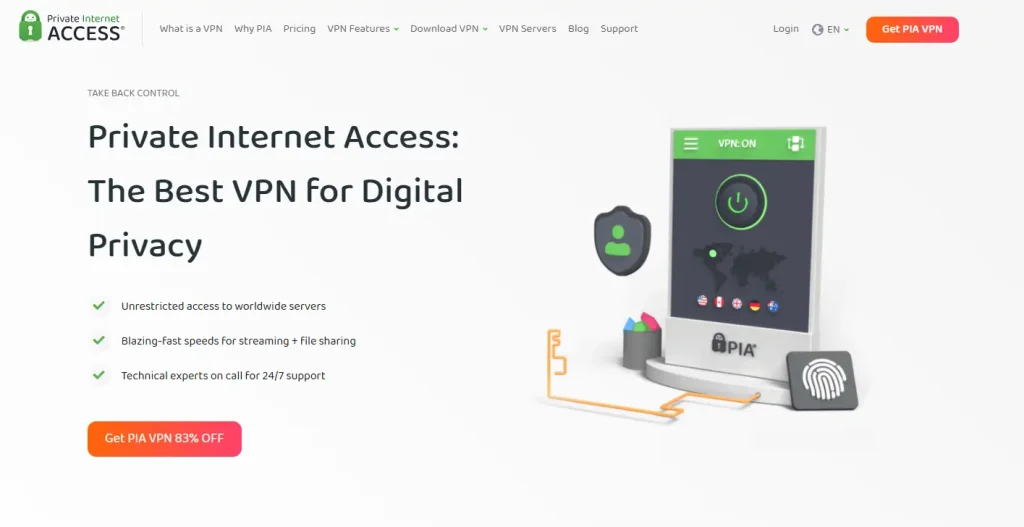 PIA’s customizable encryption settings for advanced users.
4. CyberGhost (Best for Ease of Use)
Price: Starts at $2.19/month (on a 3-year plan)
For businesses that need a user-friendly VPN, CyberGhost is an excellent option. With a simple interface and a no-logs policy , CyberGhost makes it easy for small businesses to stay secure without dealing with complicated configurations. It offers 256-bit AES encryption and supports 7 simultaneous connections . It also has over 7,000 servers in 91 countries , ensuring consistent speeds and connections.
Key Features:
- No-logs policy
- 7 simultaneous connections
- 45-day money-back guarantee
- 24/7 customer support
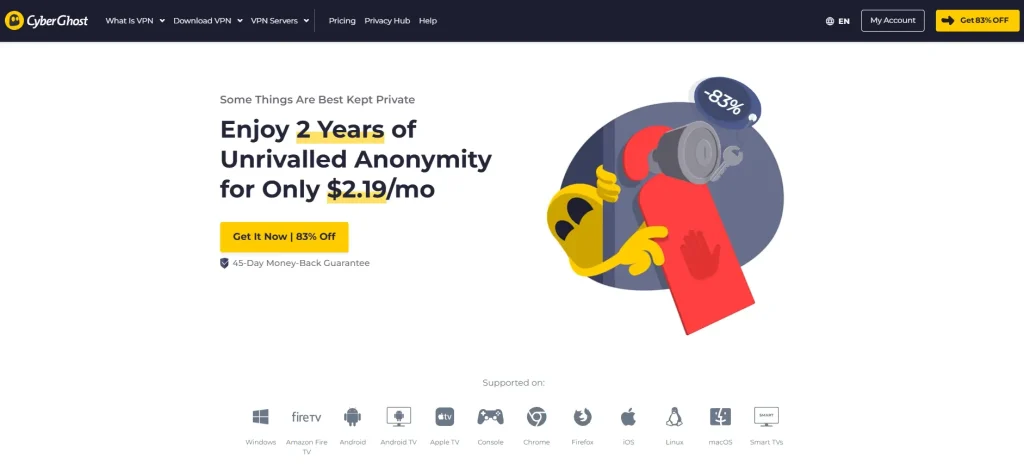 CyberGhost’s streamlined design for non-technical staff.
5. Proton VPN (Best for Privacy and Transparency)
Price: Free Plan Available, Premium Plan starts at $4/month
Proton VPN is known for its commitment to privacy and open-source software . While it offers a free plan, its premium version provides faster speeds , access to servers in over 60 countries , and advanced features like Secure Core . Proton VPN doesn’t log any of your data and is transparent about its policies.
Key Features:
- Free plan available
- Strong focus on privacy and transparency
- Secure Core feature for extra protection
- No-logs policy
- 30-day money-back guarantee
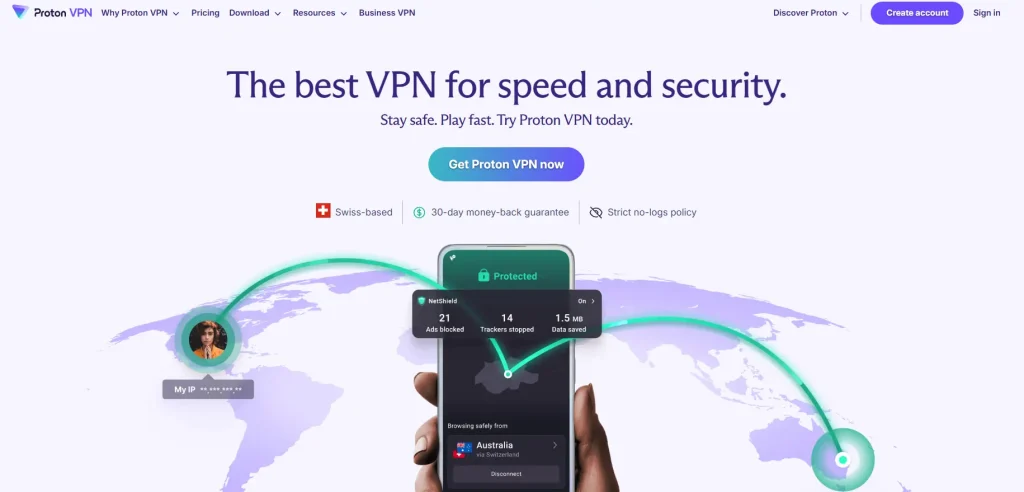 Proton VPN’s transparent pricing and feature tiers.
Comparison Table: Top Budget VPNs for 2026
| VPN | Starting Price (per month) | Max Devices | Servers (approx.) | No-Logs Policy | Kill Switch | Encryption | Money-Back Guarantee |
|---|---|---|---|---|---|---|---|
| NordVPN | $3.99 (2-year plan) | 6 | 5,000+ in 60 countries | Audited, no-logs | Yes | 256-bit AES | 30 days |
| Surfshark | $2.30 (2-year plan) | Unlimited | 3,200+ in 100 countries | Audited, no-logs | Yes | 256-bit AES | 30 days |
| Private Internet Access | $2.03 (2-year plan) | 10 | 10,000+ in 78 countries | No-logs (court validated) | Yes | 256-bit AES (customizable) | 30 days |
| CyberGhost | $2.19 (3-year plan) | 7 | 7,000+ in 91 countries | No-logs | Yes | 256-bit AES | 45 days |
| Proton VPN | Free / $4 (premium) | 1 (free) / 10 (premium) | 1,700+ in 60+ countries | Audited, no-logs | Yes (premium) | 256-bit AES | 30 days |
This table highlights the trade-offs each service makes. For example, Surfshark’s unlimited devices come at a slightly higher renewal price, while PIA’s customization might require more technical know-how. When evaluating these options, also consider the NIST cybersecurity framework for aligning your VPN choice with broader security practices.
How to Choose the Right VPN for Your Small Business
Choosing the best budget VPN depends on what you need. Here are some things to consider:
- Set Your Budget: Decide how much you can spend each month. Many budget VPNs offer good discounts for long-term plans.
- Think About Security: If your business handles sensitive data, pick a VPN with strong encryption and privacy features. If security is less of a concern, focus on a VPN with fast speeds or support for more devices.
- Check Device Support: Make sure the VPN works with all the devices your team uses. Some VPNs are better for mobile phones, while others work well on desktops.
- Free Trial or Money-Back Guarantee: Look for a VPN that offers a free trial or money-back guarantee. This lets you test the service before committing to a long-term plan.
Common Mistakes When Choosing a Business VPN
Even with a clear budget, small business owners often trip up on these points:
- Choosing based only on price: The cheapest plan may lack essential features like a kill switch or no-logs policy. Always prioritize security over a few dollars saved.
- Ignoring simultaneous connections: If you have five employees, a VPN that only supports three devices won’t cover your team. Check the limit before buying.
- Assuming free VPNs are sufficient: Free VPNs often monetize through data collection or ads, and they rarely offer business-grade support. They are best for short-term testing only.
- Not testing speed on your own network: A VPN that works well on a wired office connection might be sluggish on a mobile hotspot. Use the money-back guarantee to test real-world performance.
How to Set Up a VPN for Your Small Business
Once you’ve chosen a VPN, follow these steps to get your team connected:
- Sign up for a plan that supports the number of devices you need. Most providers offer a business or multi-device account.
- Install the VPN client on each employee’s device – laptops, phones, and tablets. Many providers have dedicated apps for Windows, macOS, iOS, and Android.
- Configure essential settings: enable the kill switch, select a trusted protocol (WireGuard is usually the fastest), and set the app to auto-connect on untrusted networks.
- Assign a dedicated IP (if available) for employees who need consistent access to business tools like payment gateways or internal databases.
- Document the process and share a simple guide with your team. Most VPNs have a “quick connect” feature that requires minimal effort after initial setup.
VPN Security Beyond the Basics
A budget VPN can do more than just encrypt traffic. Look for these advanced features to further protect your business:
- Multi-hop (double VPN): Routes your data through two servers for extra encryption layers. Useful for handling highly sensitive client information.
- Split tunneling: Allows certain apps or websites to bypass the VPN while others stay protected. This can improve speed for non-critical tasks like video calls.
- WireGuard protocol: Offers faster speeds and better performance than older protocols like OpenVPN. Most modern budget VPNs support it.
- Automatic updates: Keep the VPN software up to date to patch vulnerabilities. Many providers roll out updates silently, but you should check periodically.
Frequently Asked Questions
What’s the best budget VPN for small businesses?
The best VPN depends on what you need. Popular, affordable options include NordVPN, Surfshark, and Private Internet Access (PIA). They offer solid security at a good price.
Are free VPNs safe for small businesses?
Free VPNs often have fewer features, slower speeds, and privacy risks. Paid VPNs are safer. They offer better security and more support.
How much does a VPN cost for a small business?
VPNs for small businesses usually cost between $2 and $5 a month. Prices vary by provider and plan length. Many offer discounts for long-term plans.
Can I use a VPN for remote workers?
Yes, VPNs are perfect for remote workers. They protect your business network, even when working from other places. This is especially important for sensitive data.
Do I need a VPN if I have antivirus software?
Antivirus software blocks malware, but a VPN adds extra protection. It keeps your internet traffic safe and secures your privacy. Both are important for protecting your business.
Can I use a consumer VPN for business?
Yes, but with caution. Consumer VPNs are designed for individual use, so they may lack features like centralized billing, admin dashboards, or dedicated IPs. For small teams of 5–10 people, a consumer plan with multi-device support often works fine. For larger teams, consider a business-grade VPN or a custom solution.
What is a dedicated IP and do I need one?
A dedicated IP is an address assigned only to you. It helps avoid CAPTCHAs, improves access to whitelisted services (like bank portals), and makes it easier to manage remote access. If your team frequently uses services that block shared IPs, a dedicated IP is worth the extra $2–$4 per month.
How do I test VPN speed for my team?
Use the provider’s money-back guarantee. Install the VPN on a typical device, run a speed test (e.g., Ookla Speedtest) before and after connecting, and repeat at different times of day. Compare latency and download speeds. If speeds drop by more than 30%, the VPN may not suit your needs.
Conclusion
A budget VPN is a smart choice for small businesses. It protects your data and privacy without costing too much. The right VPN will keep your business safe from cyberattacks, support remote workers, and let you access restricted content. Whether you choose NordVPN, Surfshark, or PIA, pick one that fits your business’s needs and budget. Start protecting your business today with a risk-free 30-day money-back guarantee from a trusted provider.

Similar Posts